

Telephony
Telephony configuration connects Dialer.CX to the public telephone network. This section covers SIP trunk management and phone extension provisioning — the foundation of all inbound and outbound calling.
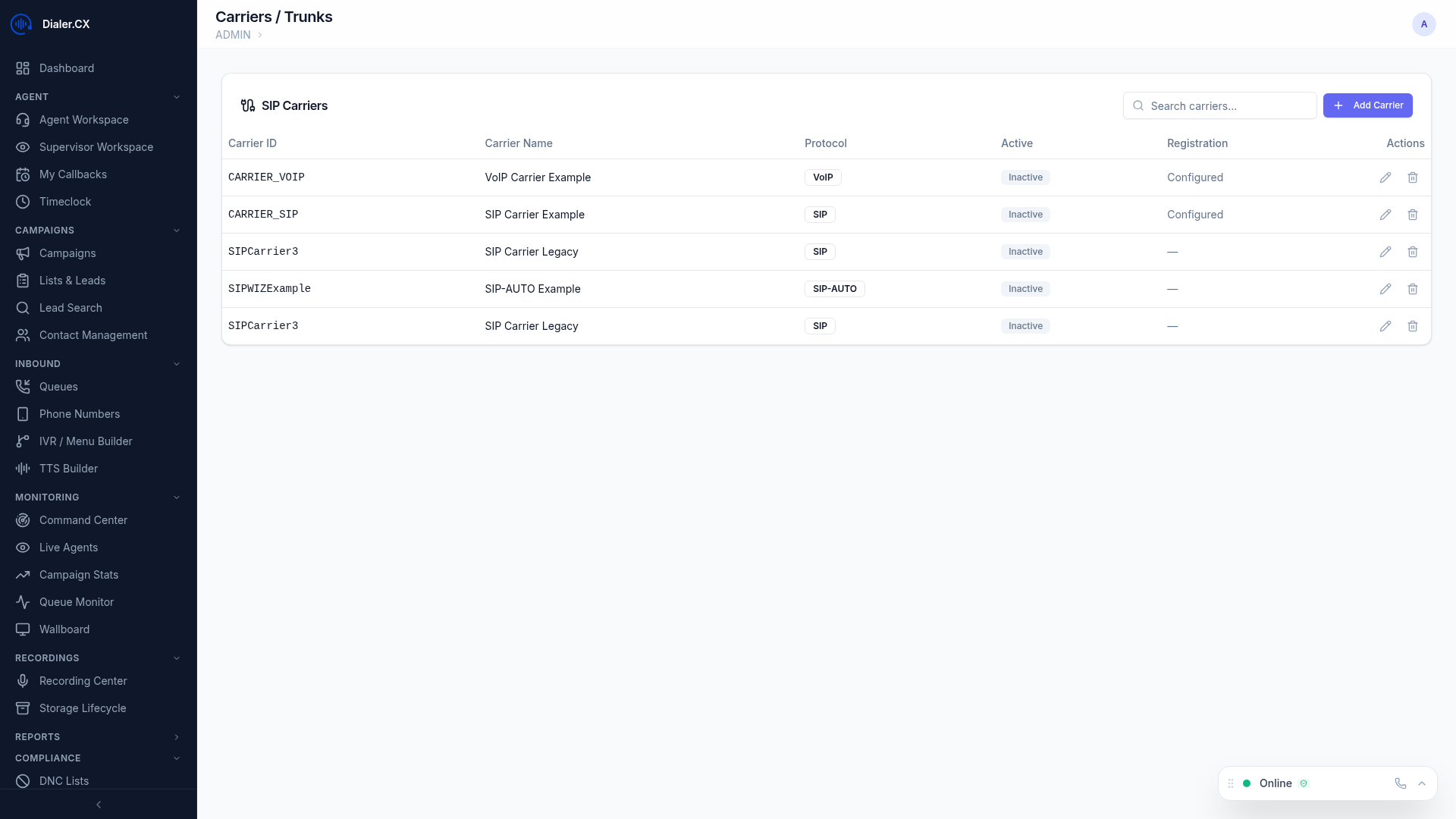
Carriers / Trunks
Section titled “Carriers / Trunks”SIP trunks connect Dialer.CX to the telephone network for outbound and inbound calls. Each carrier represents a connection to a VoIP provider or PSTN gateway.
Managing Carriers
Section titled “Managing Carriers”Navigate to Admin > Carriers to manage your SIP trunk inventory:
- Add new carriers with SIP connection details (hostname, port, protocol)
- Configure credentials — username/password or IP-based authentication
- Set codec preferences — audio quality settings (G.711, G.729, etc.)
- Define max channels — concurrent call limits to prevent trunk overload
- Enable/disable carriers instantly without deleting their configuration
Carrier Groups
Section titled “Carrier Groups”Group carriers for load balancing and failover:
- Primary and backup carriers — automatic failover when the primary is unreachable
- Round-robin distribution — spread calls across multiple trunks evenly
- Weighted routing — send more traffic to higher-capacity or lower-cost carriers
- Automatic failover when a carrier is unavailable or returns SIP errors
Phone Extensions
Section titled “Phone Extensions”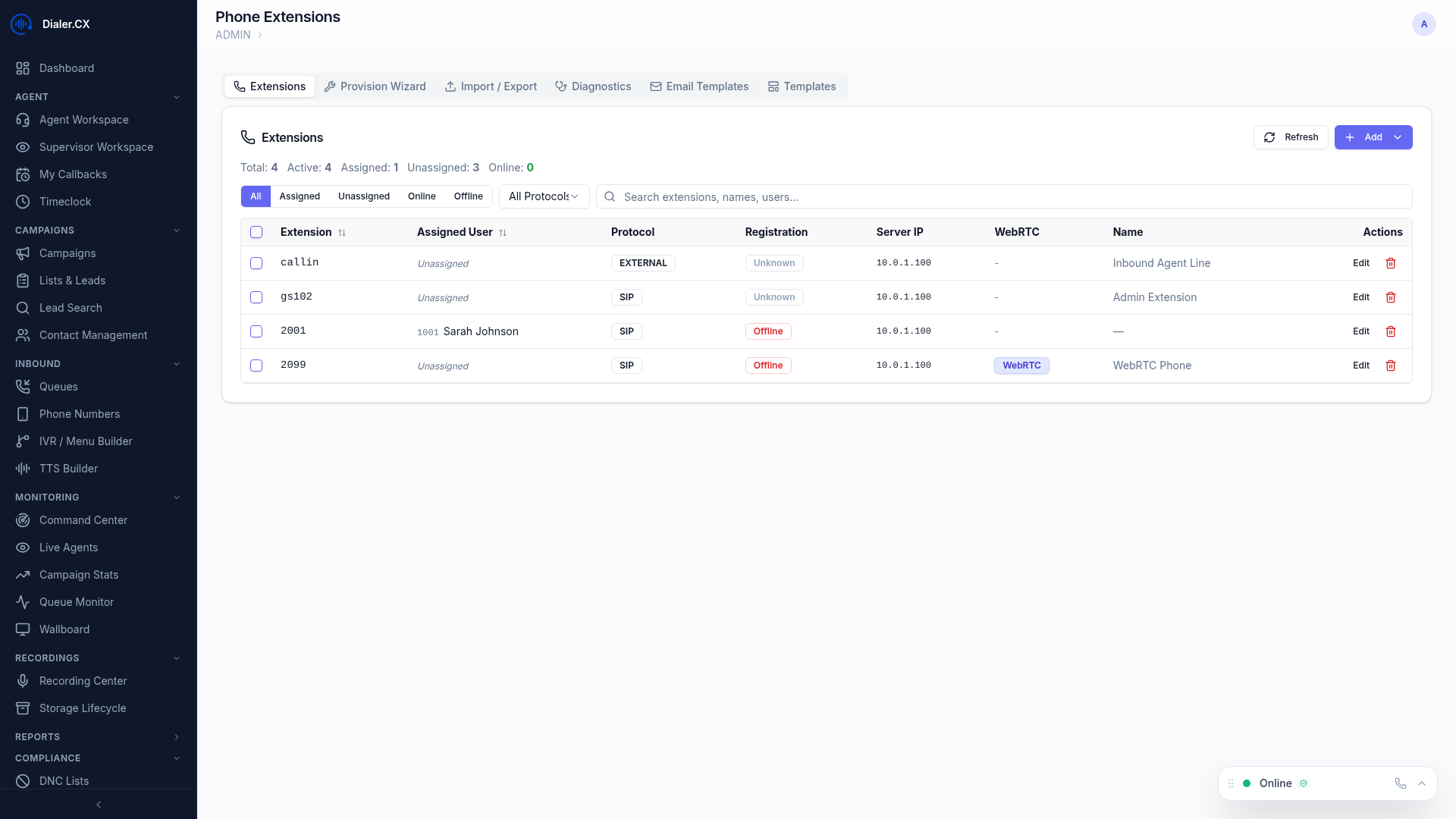
Manage SIP phone registrations for agents at Admin > Phones:
- Create extensions with unique credentials (extension number, SIP password, caller ID)
- Browser phone configuration — extensions optimized for the built-in WebRTC softphone
- Desk phone support — extensions for physical SIP phones (Polycom, Yealink, Grandstream, etc.)
- Extension monitoring — real-time view of which phones are currently registered and active