Call Analysis
Call Analysis uses AI to extract insights from call recordings and transcripts, going beyond what manual review can achieve at scale. Every call can be automatically scored, summarized, and checked for compliance — turning raw conversations into actionable data.
Analysis Features
Section titled “Analysis Features”Call Summaries
Section titled “Call Summaries”AI-generated synopsis of each conversation:
- Key topics discussed during the call
- Outcome summary (sale, callback, not interested, etc.)
- Action items identified for follow-up
- Available in the Recording Center and Contact timeline
Sentiment Analysis
Section titled “Sentiment Analysis”Emotional tone scoring for both parties throughout the call:
- Customer sentiment — positive, neutral, or negative with intensity scoring
- Agent sentiment — professional tone evaluation
- Sentiment arc — tracked over the course of the call to identify turning points
- Useful for identifying escalation moments and coaching opportunities
Compliance Checking
Section titled “Compliance Checking”Automated script and regulatory adherence verification:
- Did the agent follow required script sections?
- Were mandatory disclosures made?
- Were prohibited phrases used?
- Compliance score per call with flagged violations
Key Moment Detection
Section titled “Key Moment Detection”AI identifies important conversation events and tags them for review:
- Objections raised by the customer
- Commitments made by either party
- Escalation requests from the customer
- Purchase intent signals indicating readiness to buy
- Callback requests with timing preferences
Lead Scoring
Section titled “Lead Scoring”AI-derived priority scores based on multiple signals:
- Conversation engagement level and duration
- Purchase intent signals detected in the transcript
- Historical call patterns for the lead
- Demographic and behavioral data from the CRM
Configuration
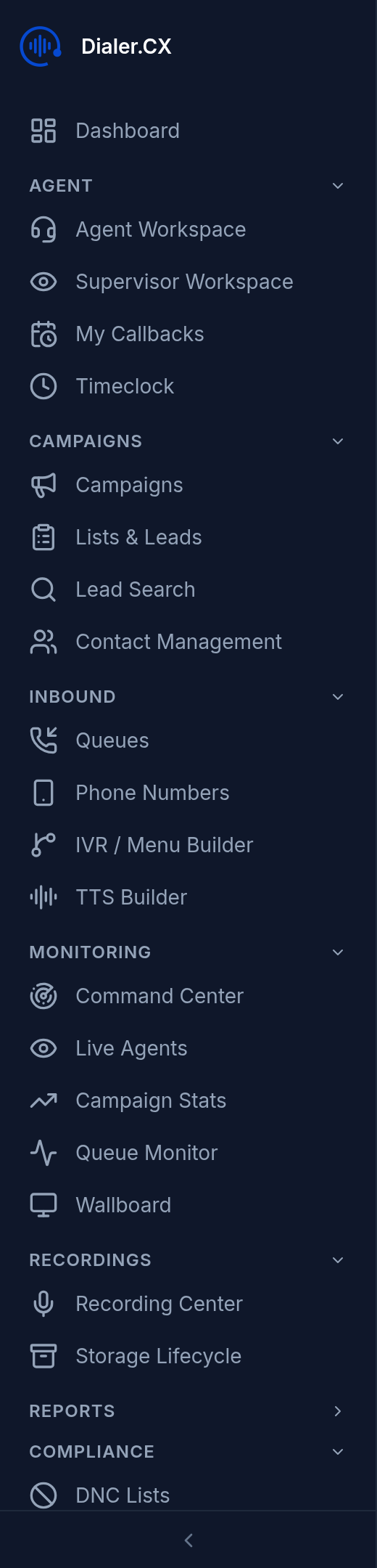
Section titled “Configuration”Navigate to Admin > AI Settings > Analysis:
| Setting | Description |
|---|---|
| Provider | Select your analysis AI provider |
| Model | Choose the LLM model for analysis |
| Features | Toggle which analysis features are active |
Supported Providers
Section titled “Supported Providers”Multiple LLM providers are supported, each with different strengths:
| Strengths | Best For |
|---|---|
| Strong general analysis, compliance detection | Quality-focused review |
| Nuanced sentiment, detailed summaries | Coaching and QA |
| Fast analysis, structured extraction | High-volume processing |
| High throughput, cost-effective | Budget-conscious operations |
| Enterprise deployment, data residency | Regulated industries |
Viewing Results
Section titled “Viewing Results”Analysis results appear across the platform:
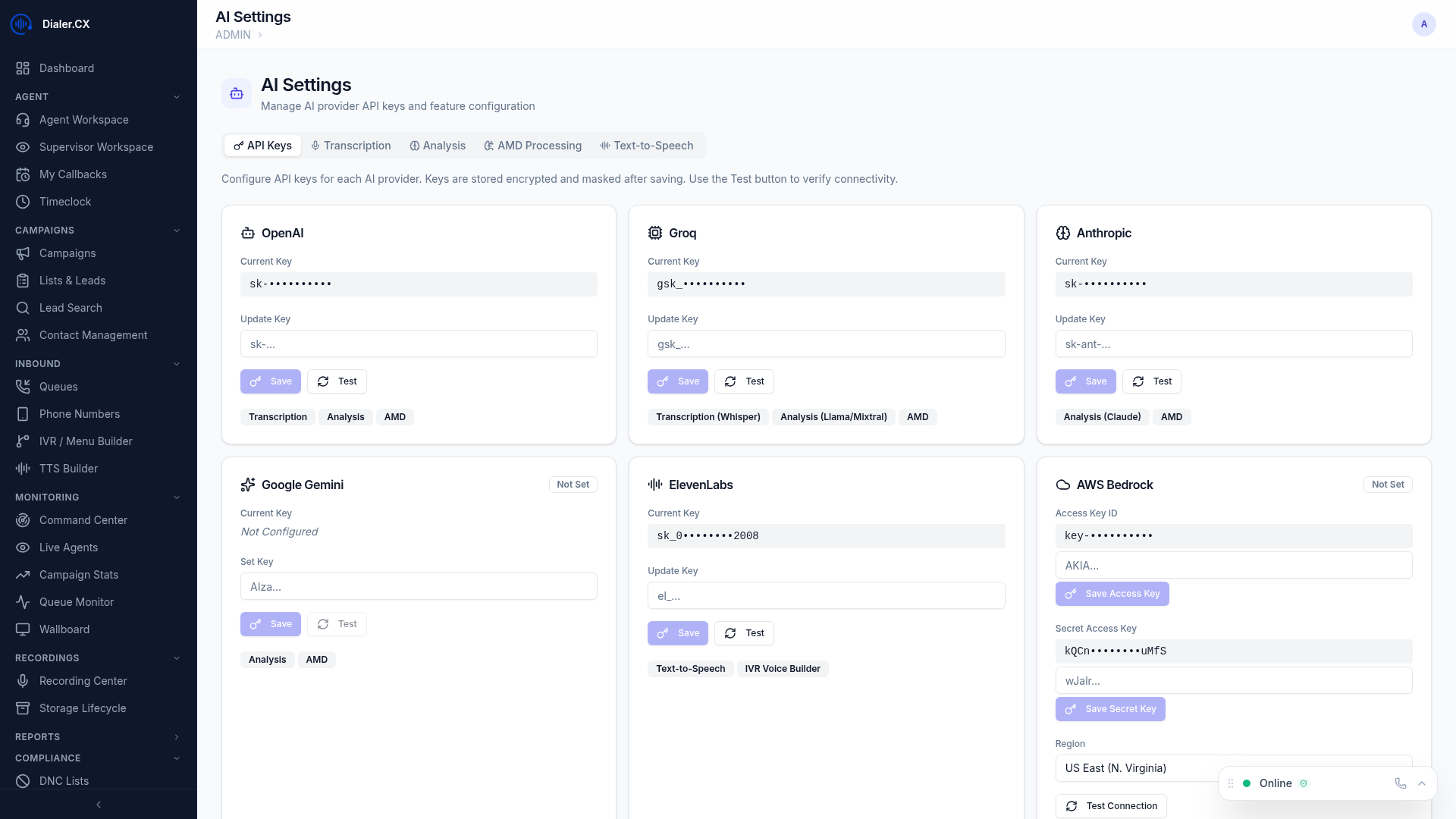
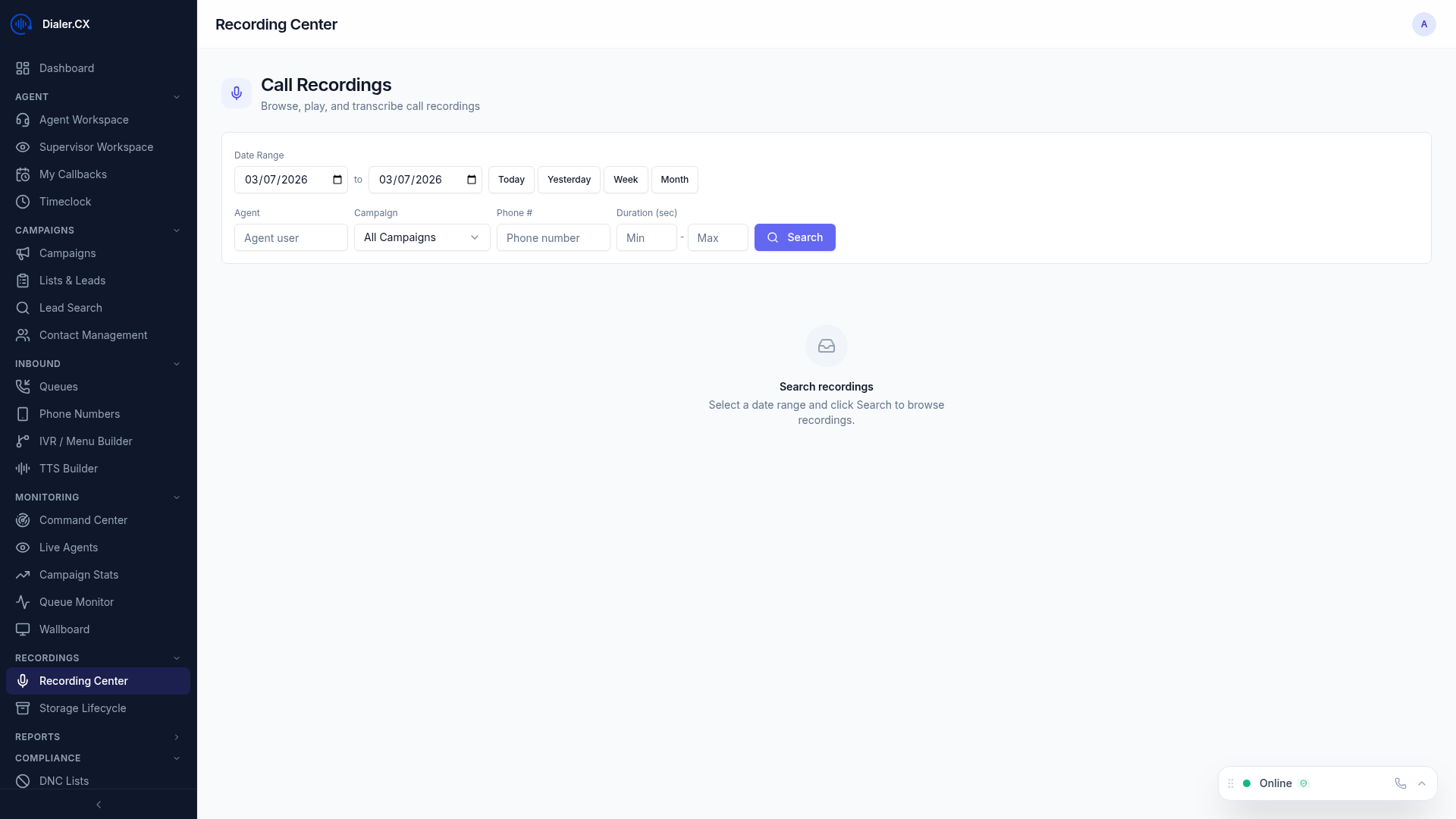
- Recording Center — alongside the recording player with sentiment graphs, key moments, and compliance scores
- Contact Detail — in the Notes tab as AI-generated summaries and scores
- Reports — aggregated sentiment and compliance metrics across campaigns
- Agent Workspace — real-time call summary available after each call