

AI Chatbots
Dialer.CX supports AI-powered chatbot agents that can independently handle phone calls — both inbound and outbound. These voice agents use Conversational AI to interact naturally with callers, handling routine tasks without human intervention.
Managing Chatbots
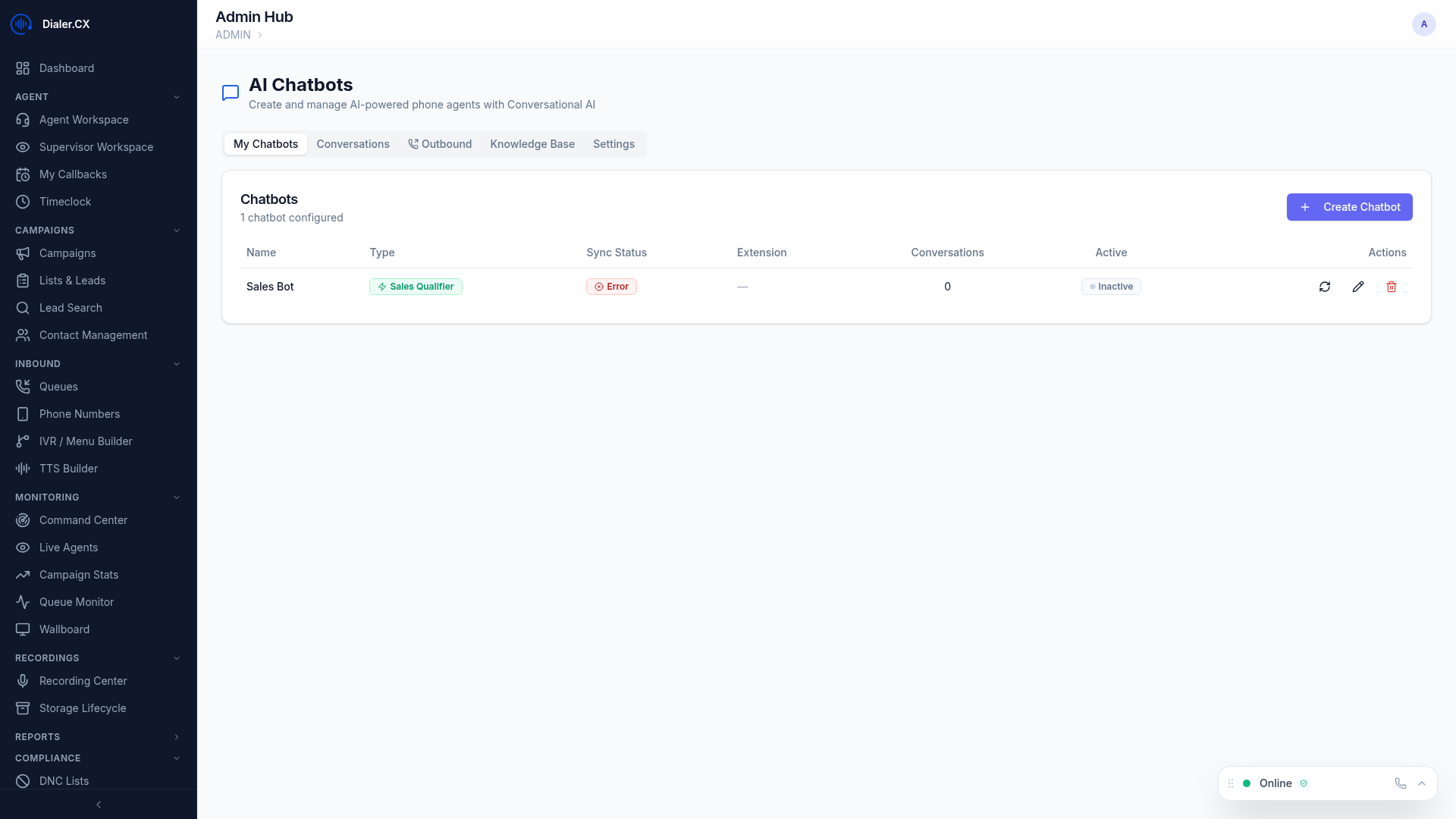
Section titled “Managing Chatbots”Navigate to Admin > Chatbots to manage AI agents across four tabs.
Chatbots Tab
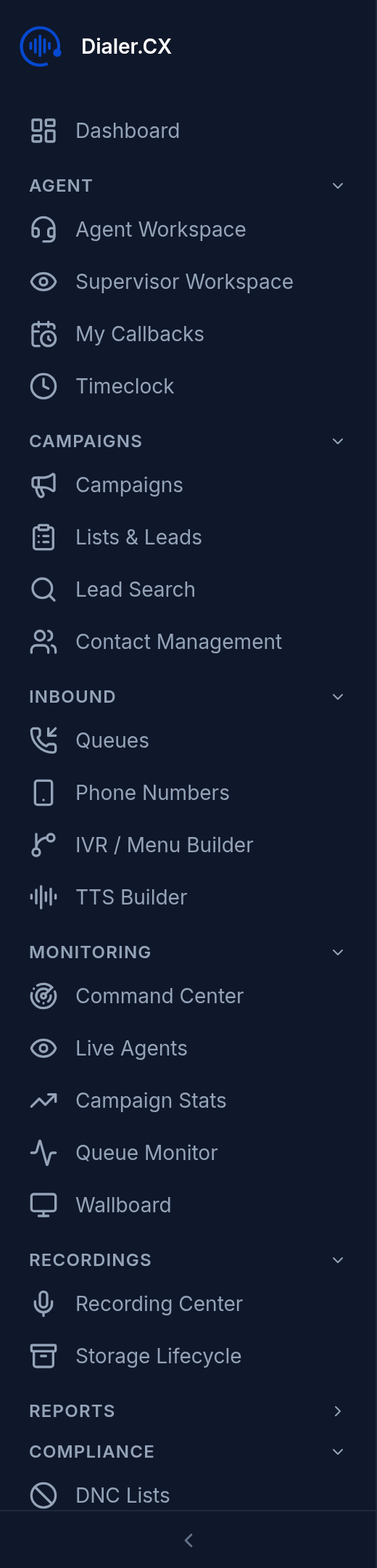
Section titled “Chatbots Tab”Create and configure AI voice agents:
| Setting | Description |
|---|---|
| Name | Identifier for this chatbot |
| Voice | Select the speaking voice and style from the voice library |
| Personality | System prompt defining the agent’s behavior, tone, and boundaries |
| Greeting | Opening message when the call connects |
| Knowledge Base | Reference documents the AI can access during conversations |
Conversations Tab
Section titled “Conversations Tab”Review chatbot interactions in detail:
- Full conversation transcripts with timestamps
- Outcome tracking (completed, transferred, failed)
- Quality assessment scores
- Call duration and disposition result
Outbound Tab
Section titled “Outbound Tab”Schedule batch AI calling jobs for automated outreach:
- Upload or select a lead list
- Assign a chatbot agent to handle the calls
- Set the schedule (start time, end time, days of week) and pacing
- Monitor progress and results in real time
- Review outcomes and transfer successful leads to live agents
Knowledge Base Tab
Section titled “Knowledge Base Tab”Upload reference documents to give chatbots context for accurate responses:
- PDF, text, or markdown files accepted
- Documents can be shared across multiple chatbot agents
- Provides grounding context so the AI gives accurate, relevant answers
- Update documents at any time — changes apply to future conversations
SIP Trunk Integration
Section titled “SIP Trunk Integration”AI chatbots connect to the PBX through a dedicated SIP trunk, allowing them to receive and place calls just like a human agent:
- Inbound calls can be routed to chatbots via IVR menus or queue overflow
- Outbound calls originate through the PBX with proper caller ID
- Chatbots can transfer calls to live agents mid-conversation
Use Cases
Section titled “Use Cases”| Use Case | Description |
|---|---|
| Appointment Confirmation | AI calls to confirm upcoming appointments and reschedule if needed |
| Payment Reminders | Automated reminder calls with payment information and options |
| Survey Collection | Post-service satisfaction surveys with structured data collection |
| Lead Qualification | Initial screening before routing qualified leads to a live agent |
| After-Hours Support | Handle inbound calls outside business hours with full context |