Transcription
Dialer.CX can automatically transcribe call recordings into searchable text using AI-powered speech recognition. Transcripts are linked to recordings, searchable across the platform, and can power downstream analysis features like sentiment scoring and compliance checking.
How It Works
Section titled “How It Works”- A call is recorded during the conversation
- The recording is sent to your configured transcription provider
- The AI generates a text transcript with speaker identification
- The transcript is stored and linked to the recording
- Downstream features (analysis, summaries, scoring) can run on the transcript
Features
Section titled “Features”Speaker Diarization
Section titled “Speaker Diarization”The transcript identifies who is speaking throughout the call:
- Agent speech labeled separately from customer speech
- Easy to scan conversations and find specific parts
- Color-coded speaker labels in the playback view
Synchronized Playback
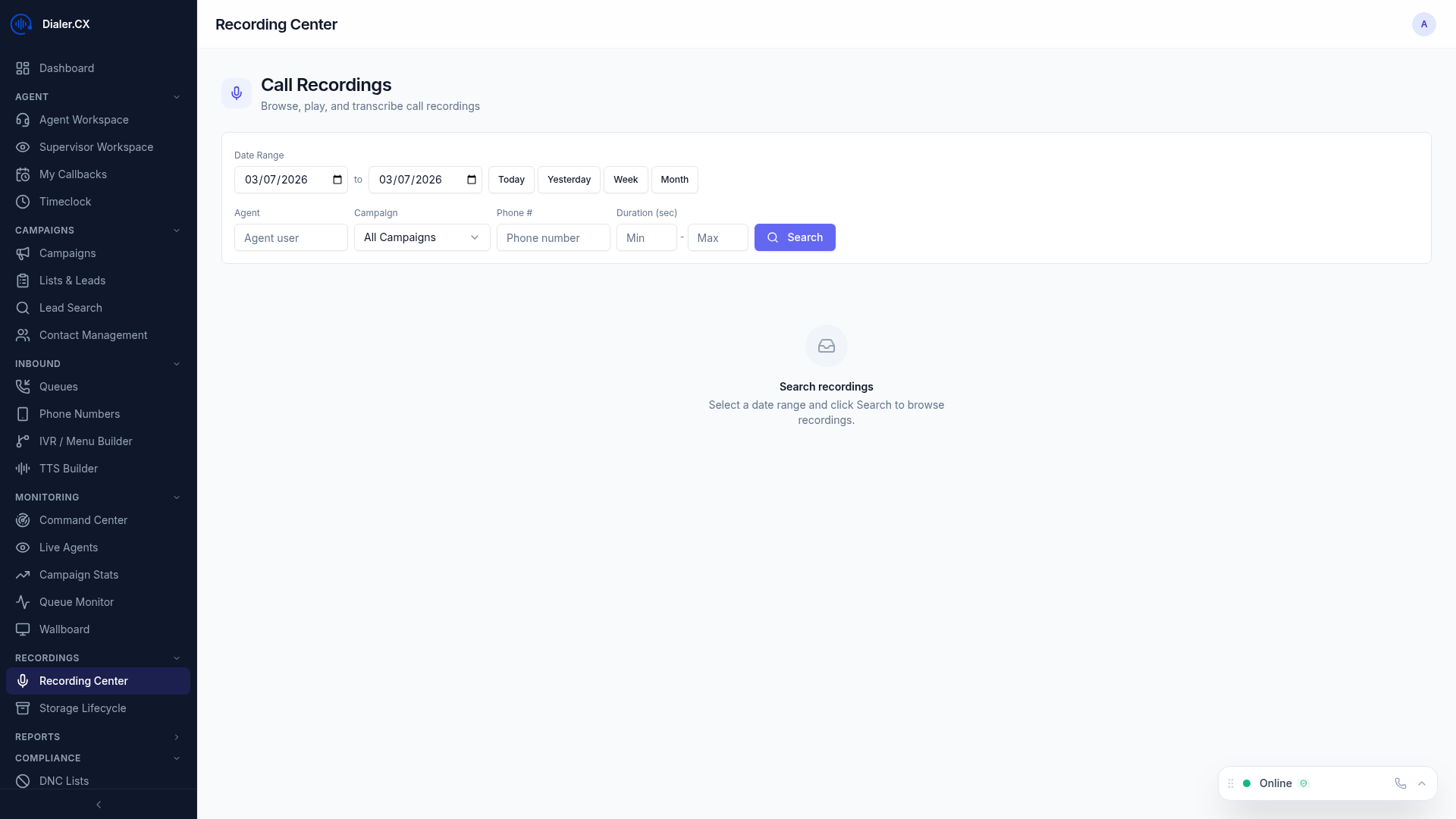
Section titled “Synchronized Playback”In the Recording Center, transcripts are tightly coupled with audio playback:
- Transcript highlights in real time as the recording plays
- Click any line in the transcript to jump to that moment in the audio
- Makes quality review and coaching significantly faster
Searchable Text
Section titled “Searchable Text”Full-text search transforms how you find specific calls:
- Search across all transcripts from the Recording Center
- Find calls where specific topics, products, or phrases were discussed
- Use search to build coaching playlists or compliance audit sets
Configuration
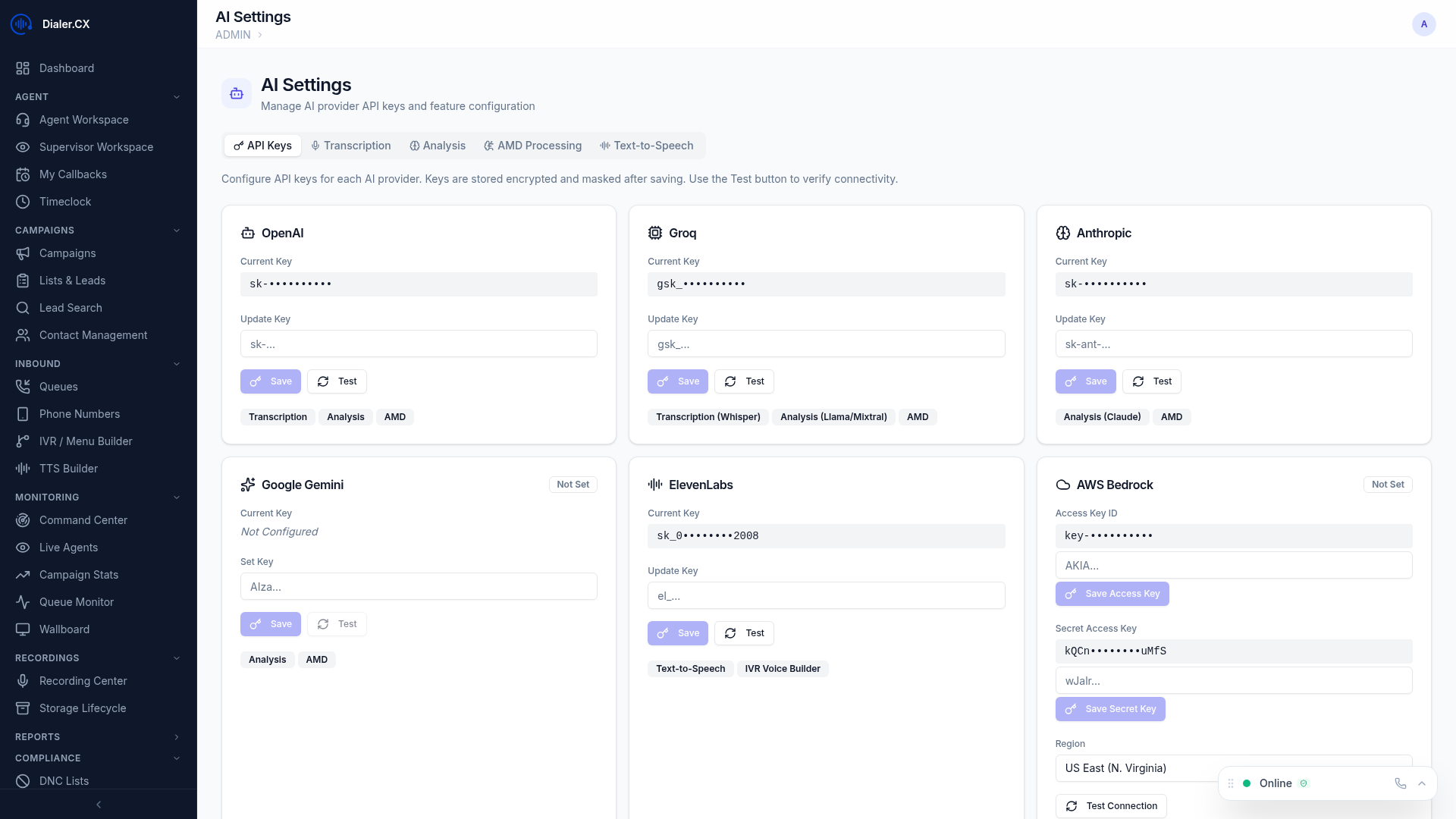
Section titled “Configuration”Navigate to Admin > AI Settings > Transcription:
| Setting | Description |
|---|---|
| Provider | Select your transcription provider |
| Model | Choose model variant (standard vs. enhanced accuracy) |
| Language | Primary language for recognition |
| Auto-Transcribe | Automatically transcribe all recordings, or on-demand only |
Supported Providers
Section titled “Supported Providers”| Option | Speed | Best For |
|---|---|---|
| Standard | Normal | High accuracy, broad language support |
| Fast | Accelerated | High throughput, lower latency |
On-Demand Transcription
Section titled “On-Demand Transcription”If auto-transcription is off, you can transcribe individual recordings:
- Open a recording in the Recording Center
- Click Transcribe
- Wait for processing (typically 30-60 seconds)
- Transcript appears alongside the audio player