

Text-to-Speech
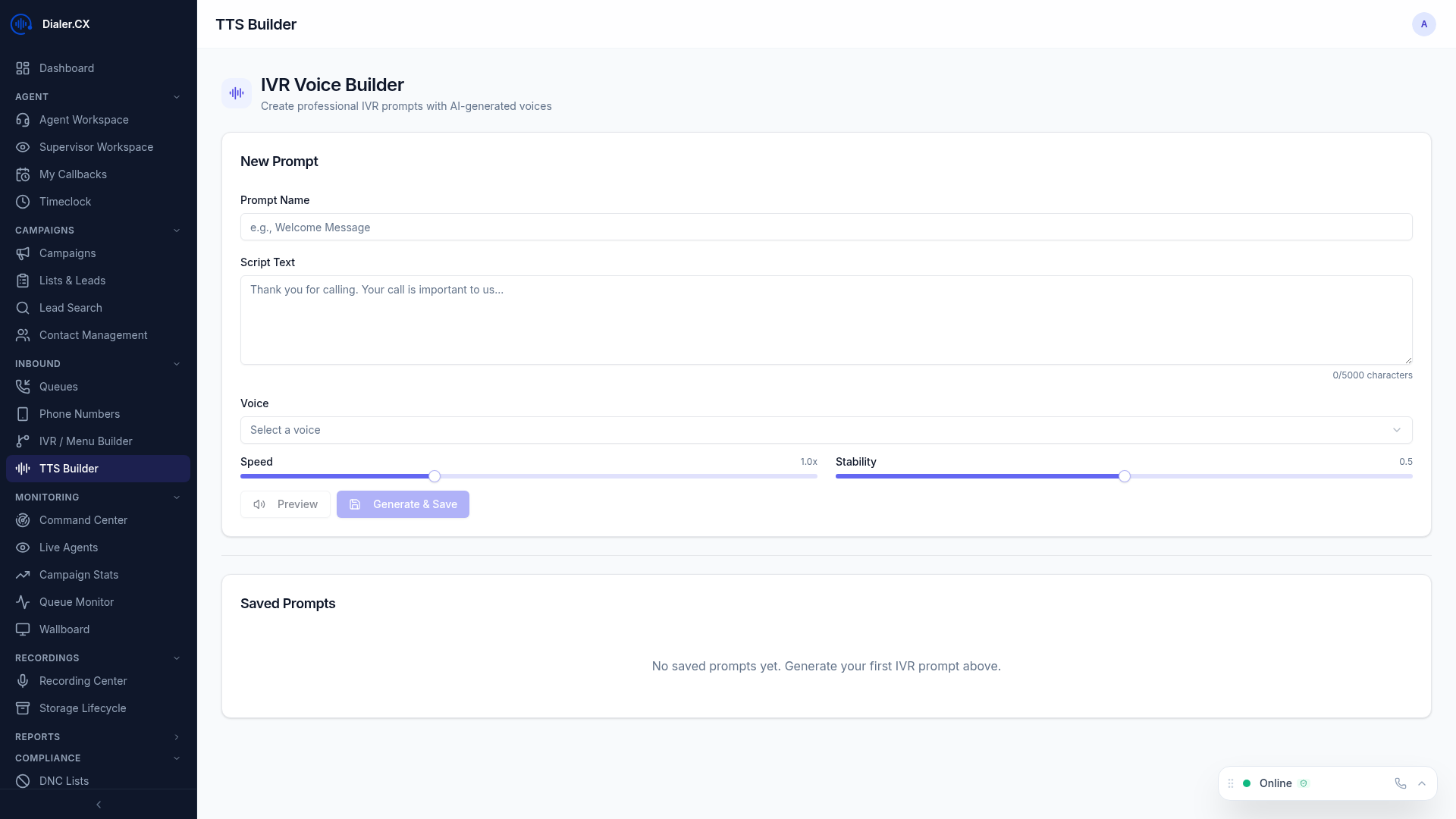
Text-to-Speech (TTS) lets you create professional audio prompts by typing text instead of recording audio. AI generates natural-sounding speech in your chosen voice, ready for IVR menus, queue announcements, voicemail greetings, and more.
Generating Prompts
Section titled “Generating Prompts”- Navigate to IVR Builder or Admin > Voice Files
- Click Generate from Text
- Type your prompt text
- Select a voice — choose from multiple voices and styles
- Select the language
- Click Generate
- Preview the result — listen before saving
- Save to your prompt library
Where TTS Is Used
Section titled “Where TTS Is Used”| Use Case | Example |
|---|---|
| IVR Menus | ”Press 1 for Sales, Press 2 for Support” |
| Queue Announcements | ”Your estimated wait time is 3 minutes” |
| Voicemail Greetings | ”You’ve reached our sales department…” |
| Voicemail Drop | Pre-recorded messages left on answering machines via AMD |
| Hold Messages | ”Thank you for holding, an agent will be with you shortly” |
| After-Hours Messages | ”Our office is currently closed. Please call back…” |
Configuration
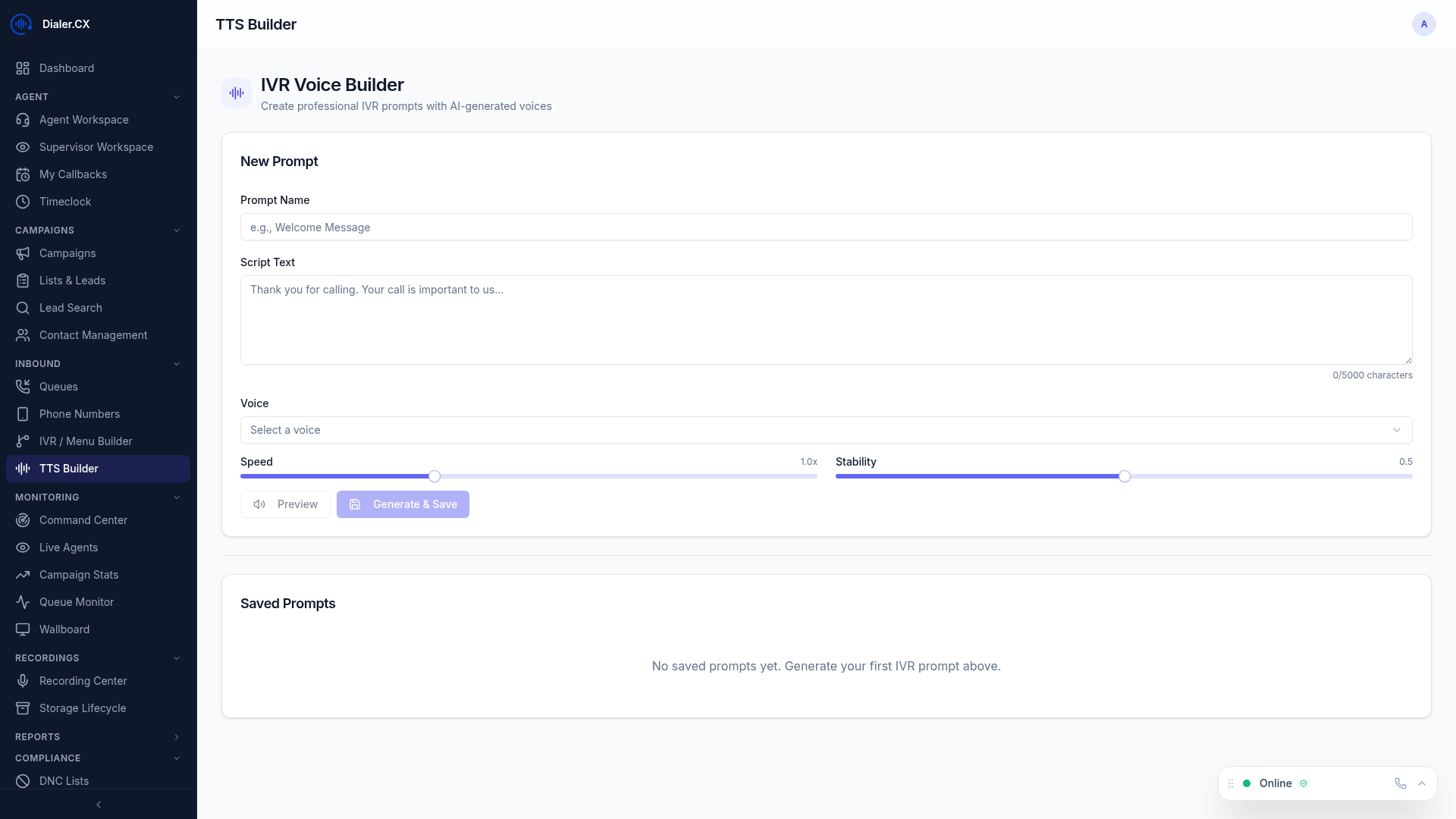
Section titled “Configuration”Navigate to Admin > AI Settings > TTS:
| Setting | Description |
|---|---|
| Provider | TTS service provider |
| Voice | Default voice selection from the provider’s voice library |
| Model | TTS model variant (standard, enhanced, multilingual) |
Voice Selection
Section titled “Voice Selection”The TTS provider offers a wide library of voices with different characteristics:
- Gender — male, female, and neutral options
- Accent — American, British, Australian, and more
- Tone — professional, friendly, authoritative, warm
- Language — multilingual support for international deployments