

Contact CRM
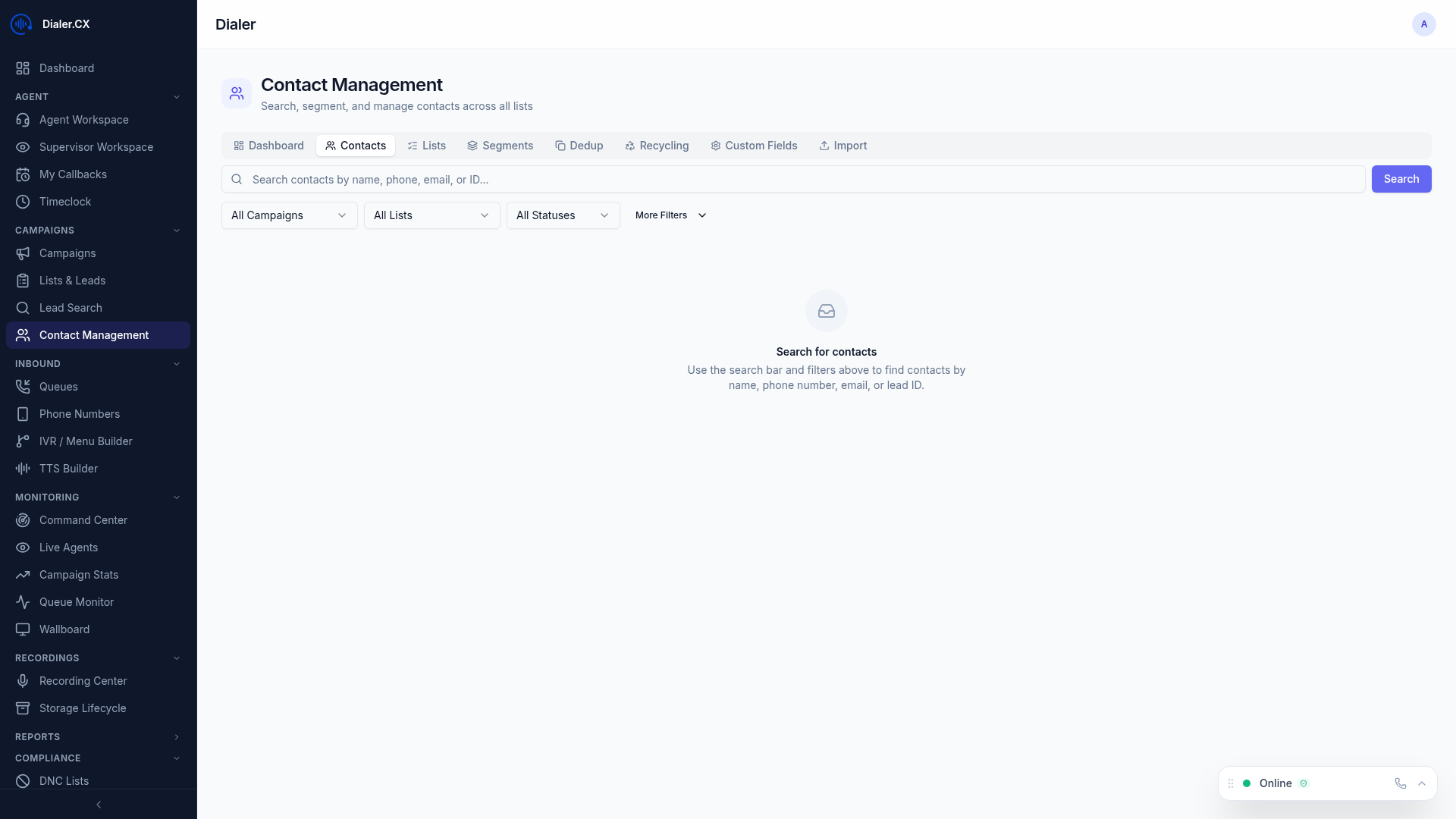
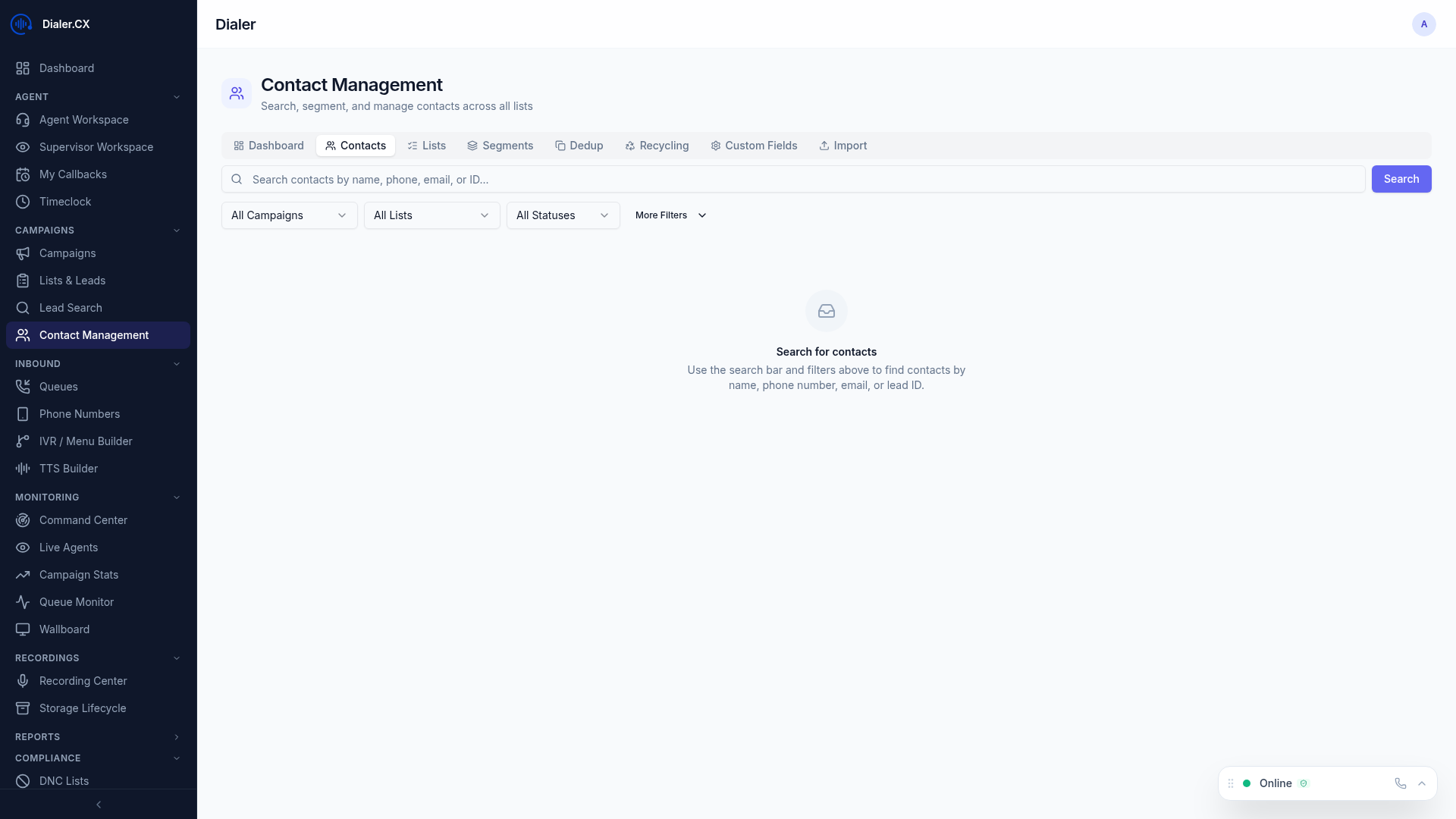
Dialer.CX includes a comprehensive Contact CRM that goes far beyond basic lead lists. Manage contacts across eight specialized tabs — Contacts, Segments, Scoring, Deduplication, Bulk Operations, Recycling, Import, and Export — all from a single interface.
Contacts Tab
Section titled “Contacts Tab”
The main contact view:
- Searchable, sortable table with all leads
- Inline editing — click any field to update it
- Quick filters — by list, campaign, status, date
- Column customization — choose which fields to display
- Bulk selection for mass operations
Contact Detail View
Section titled “Contact Detail View”Click any contact to see their full profile:
| Section | Content |
|---|---|
| Info | All lead fields with inline editing |
| Timeline | Chronological activity feed — calls, status changes, notes |
| History | Complete call history with recordings |
| Notes | Agent notes, system notes, and AI call summaries |
Segments Tab
Section titled “Segments Tab”Create smart segments for targeted lead grouping:
- Rule-based filters — define conditions (state = “California” AND calls > 3)
- AND/OR logic — combine conditions flexibly
- Dynamic population — leads matching rules are automatically included
- Use cases: targeted campaigns, performance analysis, geographic grouping
Scoring Tab
Section titled “Scoring Tab”AI-powered lead scoring:
- 22 default scoring rules evaluate lead attributes and engagement
- Configurable weights — prioritize what matters to your business
- Score-based prioritization — dial high-scoring leads first
- Factors: call history, recency, engagement signals, demographic data
Deduplication Tab
Section titled “Deduplication Tab”Find and merge duplicate contacts:
- Run a dedup scan — choose matching criteria (phone, email, name)
- Review duplicate groups — see which leads match
- Merge records — combine duplicates, preserving the best data
- Audit trail — every merge is logged with data snapshots
Bulk Operations Tab
Section titled “Bulk Operations Tab”Mass operations on selected leads:
- Status updates — change disposition for many leads at once
- Field modifications — update any field in bulk
- List reassignment — move leads between lists
- DNC additions — bulk-add to Do Not Call list
- All operations are audited
Recycling Tab
Section titled “Recycling Tab”Per-campaign, per-disposition recycling rules:
- Retry attempts — how many times to redial per disposition
- Wait intervals — minimum time between attempts
- Time windows — when recycled calls can be made
- Automatic reset — leads automatically become dialable again
Import & Export Tabs
Section titled “Import & Export Tabs”- Import — CSV upload with column mapping and duplicate checking
- Export — filtered export with field selection