

Lists & Leads
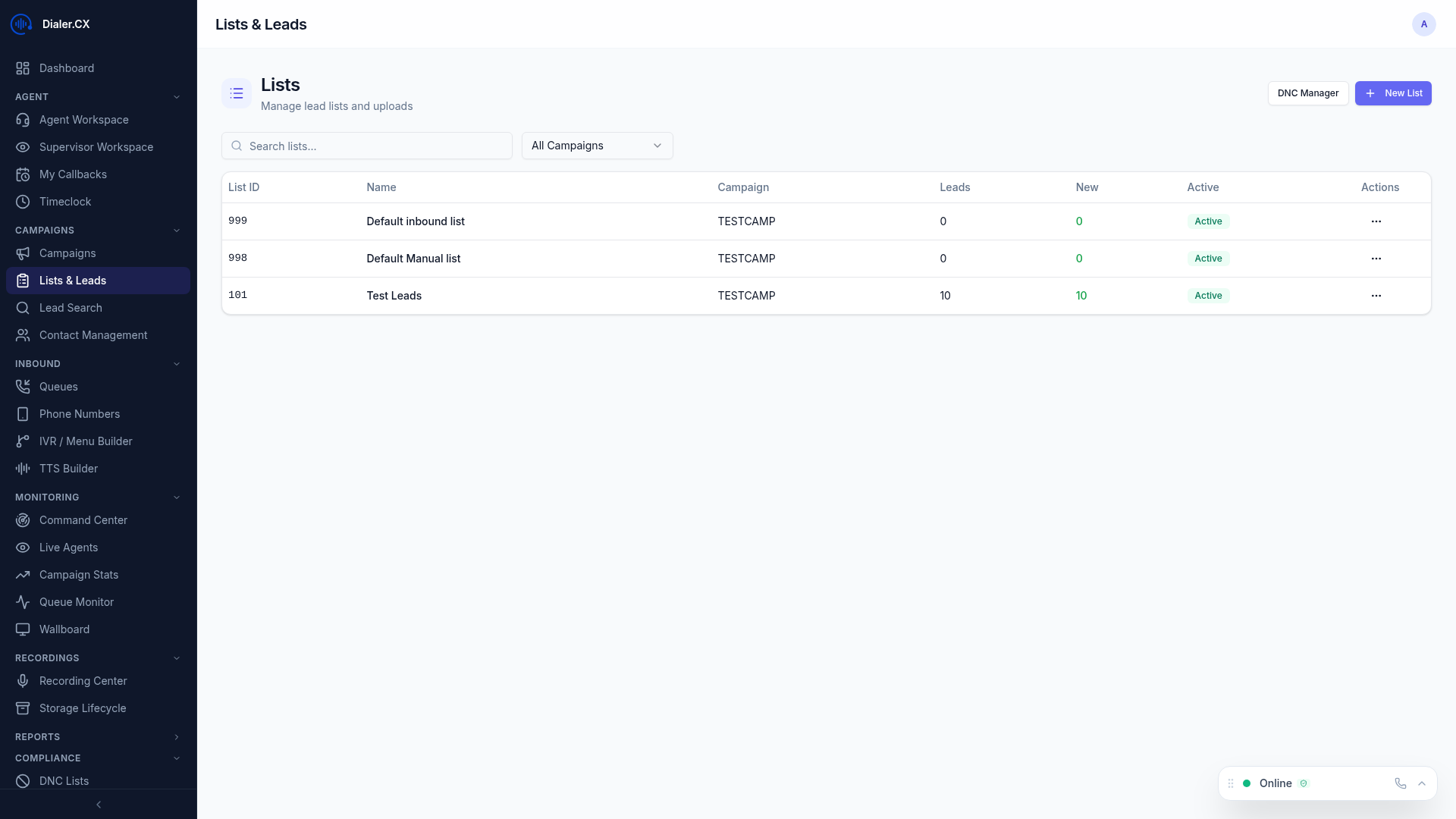
Lists are containers for leads (contacts) that get assigned to campaigns for dialing. Each list belongs to one campaign and holds the phone numbers, names, and other data that agents will work through.
Creating a List
Section titled “Creating a List”- Navigate to Lists in the sidebar
- Click New List
- Enter a list name and description
- Assign it to a campaign
- Import leads via CSV
Importing Leads
Section titled “Importing Leads”CSV Upload
Section titled “CSV Upload”- Click Import on any list
- Upload your CSV file
- Map columns — match your CSV headers to system fields (first name, last name, phone, email, etc.)
- Configure options:
- Duplicate checking — skip or update existing leads
- Phone number formatting — automatic cleanup
- Click Import — progress bar shows completion
Required Fields
Section titled “Required Fields”- Phone number — at minimum, each lead needs a dialable phone number
Recommended Fields
Section titled “Recommended Fields”- First name, last name
- Address, city, state, zip
- Any custom fields relevant to your campaign
List Statistics
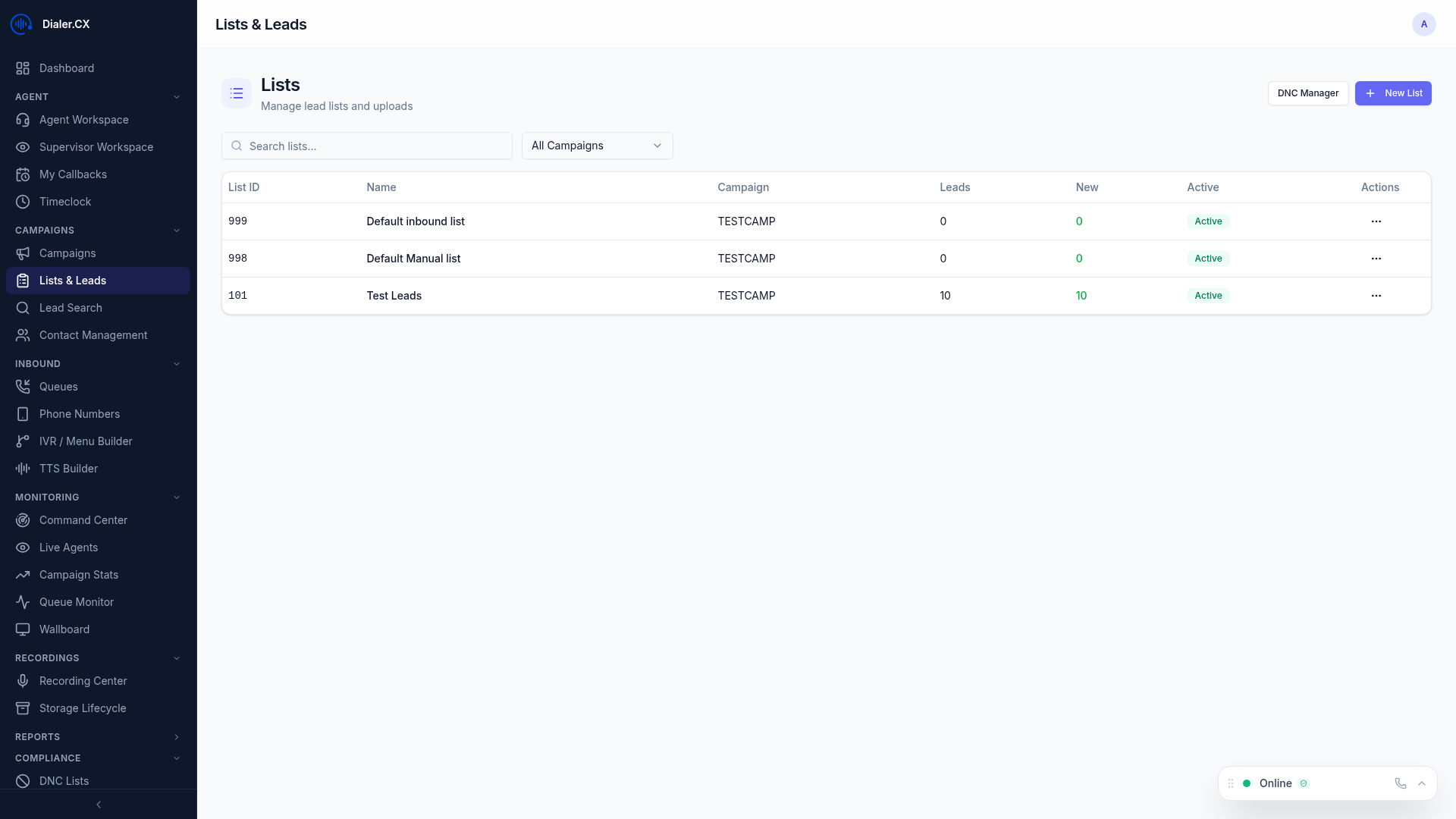
Section titled “List Statistics”Each list shows:
- Total leads — number of records
- Dialable — leads eligible for dialing
- Penetration rate — percentage of leads contacted
- Status breakdown — how many leads in each disposition
List Operations
Section titled “List Operations”| Action | Description |
|---|---|
| Export | Download leads as CSV with field selection |
| Reset Statuses | Reset lead dispositions for re-dialing |
| Move Leads | Transfer leads between lists |
| Delete | Remove the list and its leads |
Lead Recycling
Section titled “Lead Recycling”Leads that receive certain dispositions (No Answer, Busy, Voicemail) can be automatically recycled for re-dialing:
- Configure retry attempts per disposition
- Set wait intervals between attempts
- Define time windows for recycled calls
- Recycling rules are configured per campaign per disposition
See Contact CRM for advanced lead management features including segments, scoring, deduplication, and bulk operations.