

Call Pacing
Call Pacing controls how aggressively the system dials — balancing agent utilization against drop rates. Dialer.CX provides five pacing management tools: Live Controls, Pacing Profiles, Time-of-Day Schedules, Multi-Campaign Balancing, and an AI Pacing Advisor.
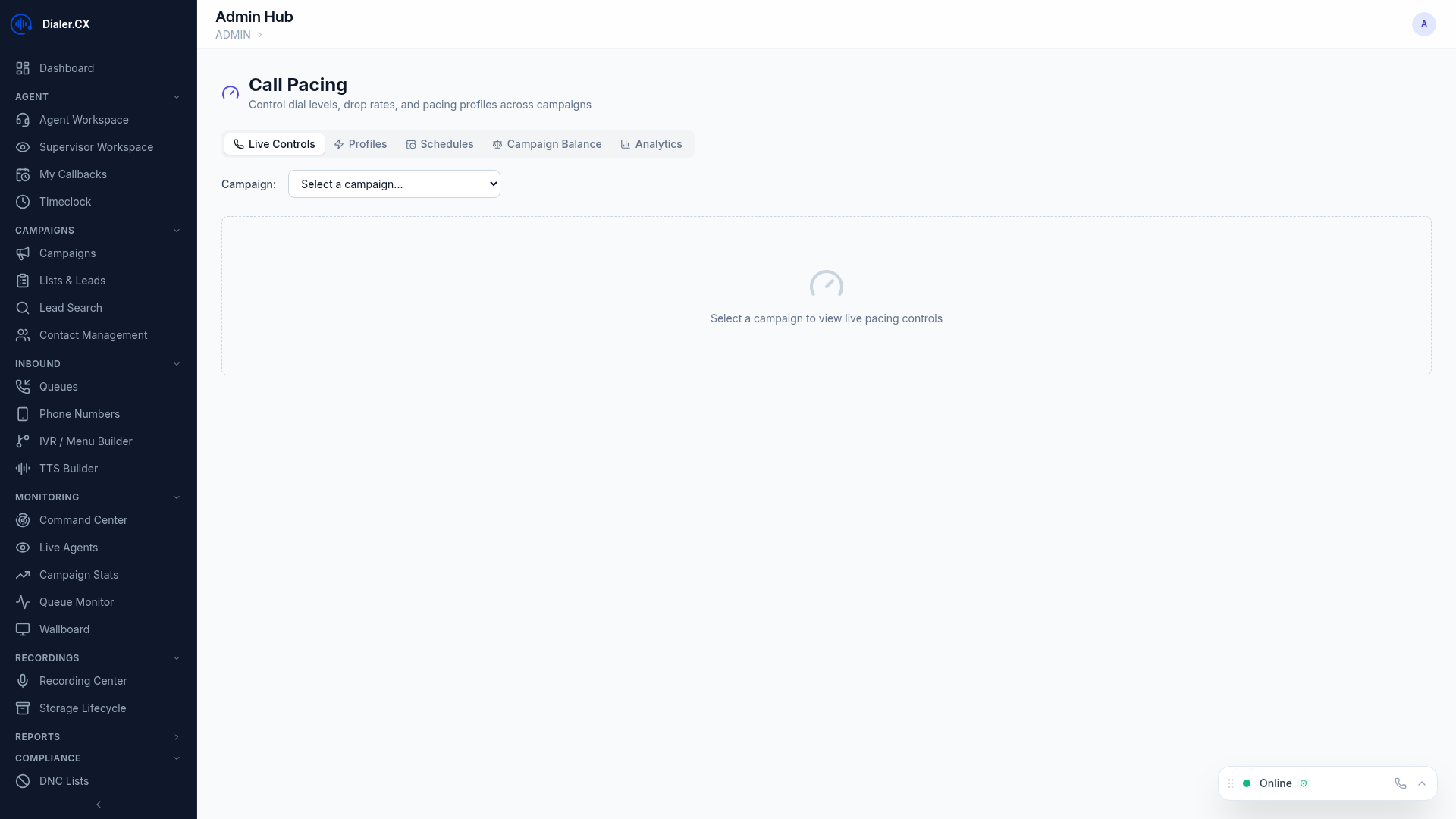
Live Controls
Section titled “Live Controls”
Adjust dial levels in real time:
- Dial level slider — increase or decrease per campaign
- Current metrics — see the immediate impact of changes
- Agent idle time — how long agents wait between calls
- Drop rate — current abandoned call percentage
Pacing Profiles
Section titled “Pacing Profiles”Save reusable pacing presets:
System Presets
Section titled “System Presets”| Profile | Description | Use Case |
|---|---|---|
| Conservative | Low dial level, minimal drops | New campaigns, compliance-sensitive |
| Balanced | Moderate pacing | General-purpose |
| Aggressive | High dial level | High-volume blitz campaigns |
| Max Performance | Maximum throughput | Experienced teams, forgiving metrics |
Custom Profiles
Section titled “Custom Profiles”Create your own presets with:
- Target dial level
- Maximum abandon rate
- Target agent idle time
- Name and description for easy reuse
Time-of-Day Schedules
Section titled “Time-of-Day Schedules”Automatically adjust pacing throughout the day:
- Hourly configuration — set a different dial level for each hour
- Per-campaign schedules — each campaign can have its own schedule
- Automatic switching — pacing changes without manual intervention
Example: Start slow at 9 AM, ramp up by 10 AM, reduce after 4 PM.
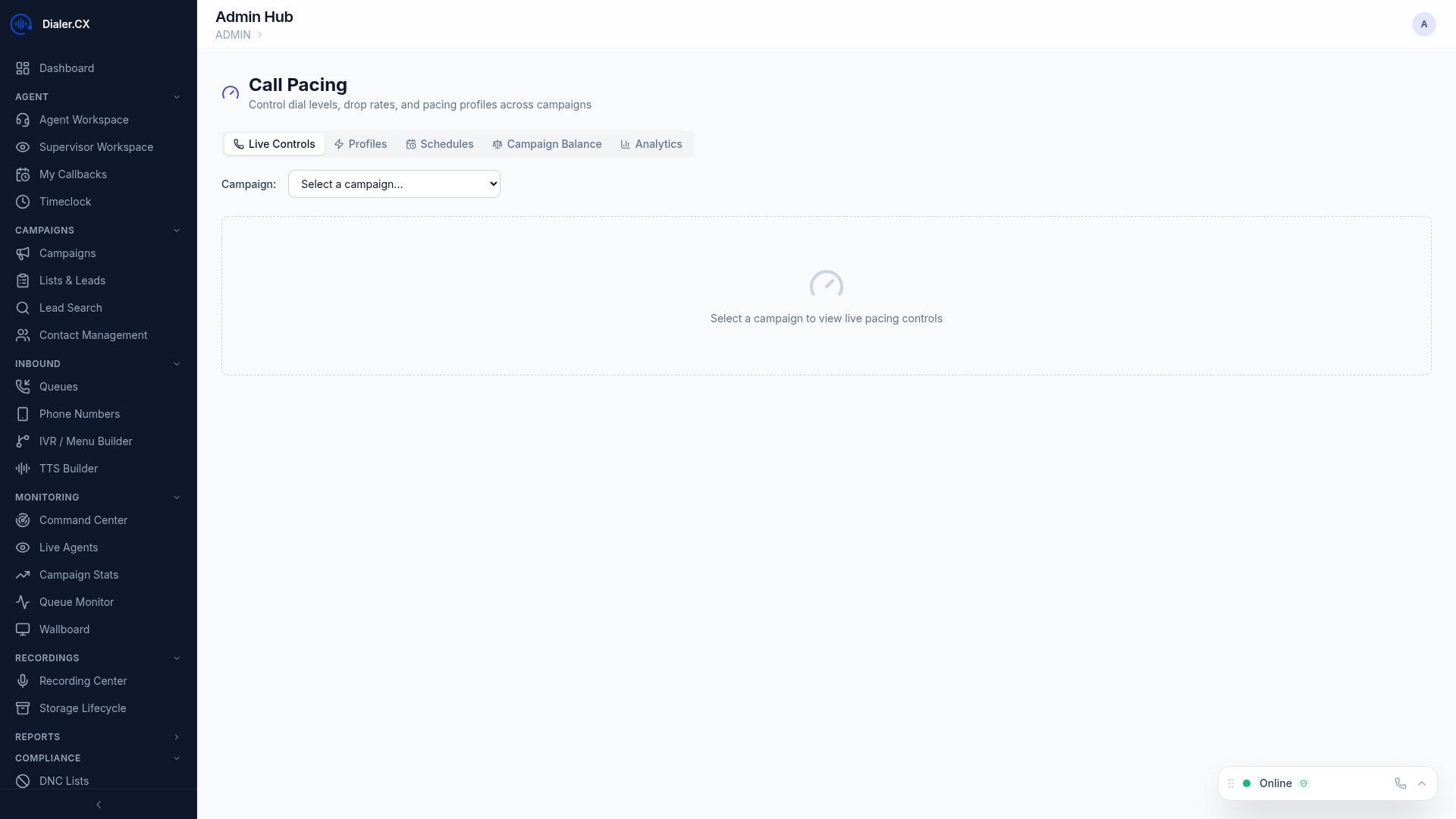
Multi-Campaign Balancing
Section titled “Multi-Campaign Balancing”When running multiple campaigns simultaneously:
- Balance groups — group campaigns that share agents
- Weighted distribution — allocate agent capacity by percentage
- Automatic balancing — system distributes calls based on weights
- Priority overrides — boost priority for specific campaigns
AI Pacing Advisor
Section titled “AI Pacing Advisor”AI-generated recommendations for optimal pacing:
- Analyzes historical performance data
- Suggests dial level adjustments
- Predicts optimal settings for time of day
- Considers agent count, answer rates, and drop rates
- Recommendations with confidence scores
Pacing Audit Trail
Section titled “Pacing Audit Trail”All pacing changes are logged:
- Who changed the pacing and when
- Previous and new values
- Condition snapshots at the time of change
- Useful for troubleshooting and compliance