

Call Time Rules
Overview
Section titled “Overview”Call Time Rules ensure your campaigns only dial during permitted hours, respecting both federal regulations (TCPA requires calls between 8 AM and 9 PM in the consumer’s local time) and state-specific restrictions that may be more stringent. Properly configured call times protect your operation from regulatory violations and consumer complaints.
Configuration
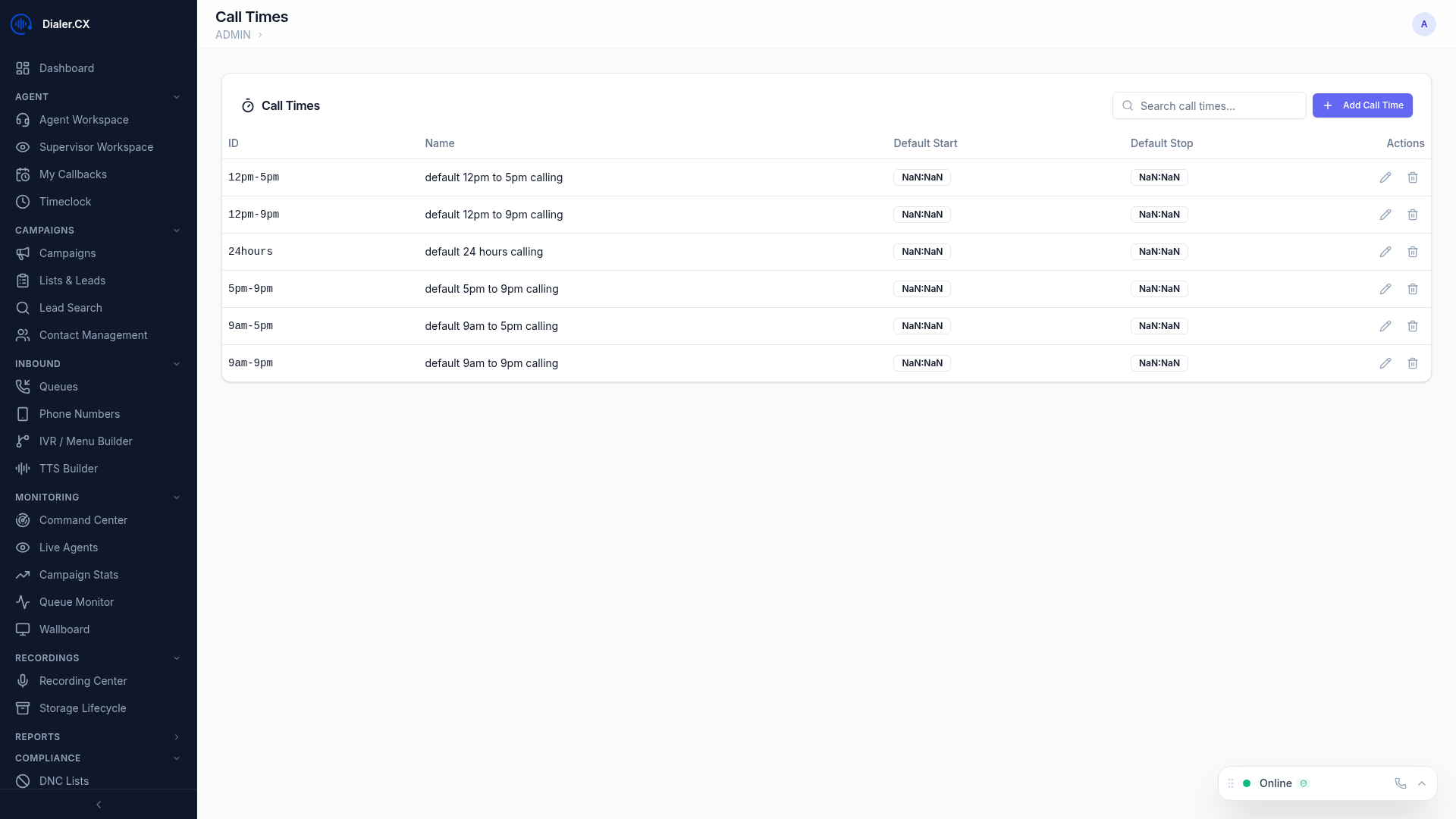
Section titled “Configuration”Navigate to Admin > Call Times to create and manage time definitions.
Business Hours
Section titled “Business Hours”- Set allowed calling hours per day of the week with independent start and stop times
- Configure each day separately — for example, shorter hours on Saturday and no calling on Sunday
- Define multiple time windows per day (e.g., 9:00-12:00 and 1:00-5:00) to create lunch breaks or other blocked periods
Timezone Handling
Section titled “Timezone Handling”- The system detects each lead’s timezone based on their area code or state using a built-in geographic reference table covering all US area codes
- Calls are only placed during the lead’s local allowed hours, not the server’s timezone
- A single campaign can dial across all US timezones simultaneously, with each lead evaluated independently
- As time zones roll through the day, the available lead pool automatically expands and contracts
Holiday Schedules
Section titled “Holiday Schedules”- Block dialing on specific dates such as federal holidays (New Year’s Day, Thanksgiving, etc.)
- Add company-specific holidays or event days when calling should be paused
- Custom date blocking for special circumstances (weather events, system maintenance)
Holiday blocks apply to all campaigns using the call time definition. Plan ahead by adding known holidays at the start of each year.
State-Level Restrictions
Section titled “State-Level Restrictions”- Override calling hours for specific states with stricter regulations
- Some states restrict calling to narrower windows than the federal 8 AM - 9 PM rule
- State overrides take precedence over the general schedule when the lead is located in that state
Assignment
Section titled “Assignment”- Assign call time definitions to campaigns in the campaign settings
- Multiple campaigns can share the same call time definition for consistency
- Override capability allows specific campaigns to use different rules when business requirements demand it
How It Works
Section titled “How It Works”Before every dial attempt, the system performs a five-step check:
- Determines the lead’s local timezone from area code or state data
- Checks if the current local time falls within allowed hours for that day of the week
- Verifies no holiday block is active for the current date
- Checks for state-specific restrictions that may narrow the calling window
- Only places the call if all checks pass
Leads outside permitted hours are skipped automatically and remain in the hopper for retry when their local time enters the allowed window. No manual intervention is needed.
Compliance Summary
Section titled “Compliance Summary”| Regulation | Requirement | How Dialer.CX Handles It |
|---|---|---|
| TCPA (Federal) | 8 AM - 9 PM local time | Per-lead timezone enforcement |
| State Laws | Varies (some states require 9 AM start) | State-level overrides |
| Holiday Rules | No calling on certain holidays | Date-based blocking |
| Do Not Disturb | Some states have opt-in DND registries | Combined with DNC checking |