

DNC Management
Overview
Section titled “Overview”DNC (Do Not Call) management ensures your operations comply with federal and state regulations by preventing calls to numbers on DNC lists. Violations carry significant fines — up to $51,744 per call under FTC rules — making proper DNC management one of the most critical compliance functions in any outbound operation.
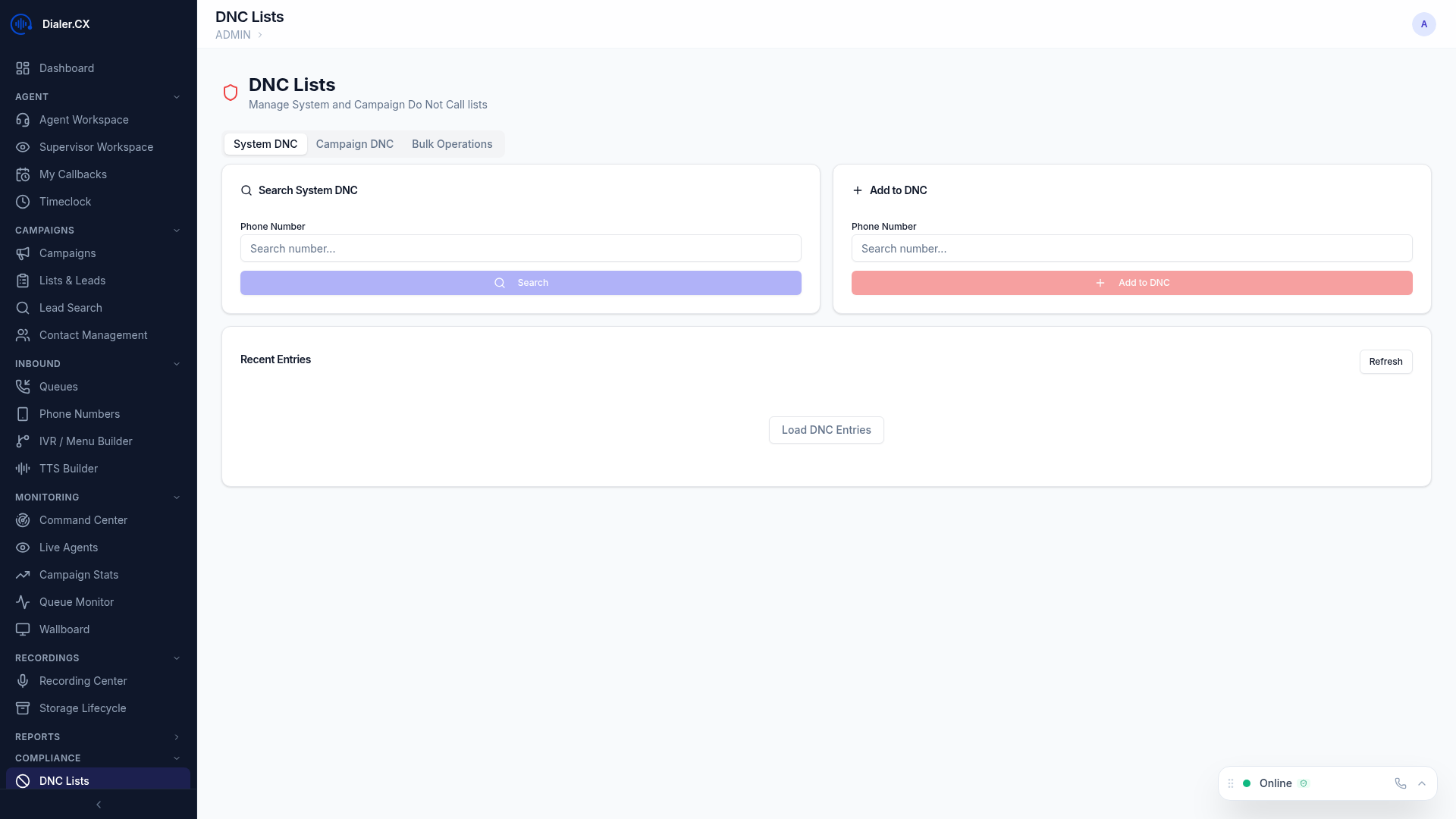
DNC List Types
Section titled “DNC List Types”| Type | Scope | Use Case |
|---|---|---|
| Global DNC | Blocked across all campaigns system-wide | Consumer-requested DNC, federal/state DNC registry numbers |
| Campaign DNC | Blocked for a specific campaign only | Product-specific opt-outs where the consumer only objected to one offer |
Adding Numbers
Section titled “Adding Numbers”Individual Entry
Section titled “Individual Entry”- Navigate to Admin > DNC
- Enter a phone number in the search/add field
- Select scope (global or campaign-specific)
- Click Add
Bulk Upload
Section titled “Bulk Upload”- Click Import
- Upload a CSV file with phone numbers (one number per row, or specify the column)
- Select scope (global or a specific campaign)
- Click Import — numbers are added with a progress bar showing completion
Bulk imports support files with hundreds of thousands of numbers. Large imports run as background jobs so you can continue working while they process.
Automatic DNC
Section titled “Automatic DNC”When an agent dispositions a call with the DNC status code, the number is automatically added to the campaign’s DNC list. This ensures real-time compliance when a consumer verbally requests to be placed on the DNC list during a call.
DNC Checking
Section titled “DNC Checking”- The dialer automatically checks every number against both global and campaign DNC lists before placing a call
- Numbers on DNC lists are skipped silently — no agent intervention required
- DNC checking happens in real time during the dial process with no measurable impact on dial speed
- Numbers are checked against both internal DNC lists and any imported regulatory lists
DNC Operations
Section titled “DNC Operations”| Action | Description |
|---|---|
| Search | Check if a specific number is on any DNC list, showing which list and when it was added |
| Remove | Remove a number from DNC with mandatory reason entry (logged in the audit trail) |
| Export | Download your DNC list as CSV for regulatory submission or backup |
| Scrub | Check an entire lead list against DNC before importing, with a report showing how many numbers would be blocked |
Audit Trail
Section titled “Audit Trail”Every DNC operation is logged in the audit trail with:
- Who performed the action (user and IP address)
- What was done (add, remove, import, export)
- When it occurred (timestamp)
- Why (reason field for removals)
This audit trail is essential for demonstrating compliance during regulatory audits.