

Webhooks
Overview
Section titled “Overview”Webhooks allow Dialer.CX to send real-time event notifications to your external systems via HTTP POST requests. When something happens in the platform — a call ends, an agent logs in, a lead is updated — the system immediately notifies any registered webhook endpoints, enabling real-time integrations without polling.
Supported Events
Section titled “Supported Events”| Event | Triggered When | Typical Use |
|---|---|---|
| call.started | A new call is initiated | Log call start in CRM |
| call.ended | A call completes with disposition | Update CRM with outcome, trigger follow-up workflows |
| agent.login | An agent logs into the workspace | Track attendance, update staffing dashboards |
| agent.logout | An agent logs out | Calculate shift duration, trigger EOD reports |
| agent.pause | An agent enters pause state | Monitor break compliance |
| agent.resume | An agent returns from pause | Track break duration |
| lead.updated | A lead record is modified | Sync lead data to external CRM |
| recording.ready | A recording is available for playback | Trigger transcription in external system |
| alert.triggered | An alert threshold is breached | Push to PagerDuty, Slack, or monitoring tools |
Configuration
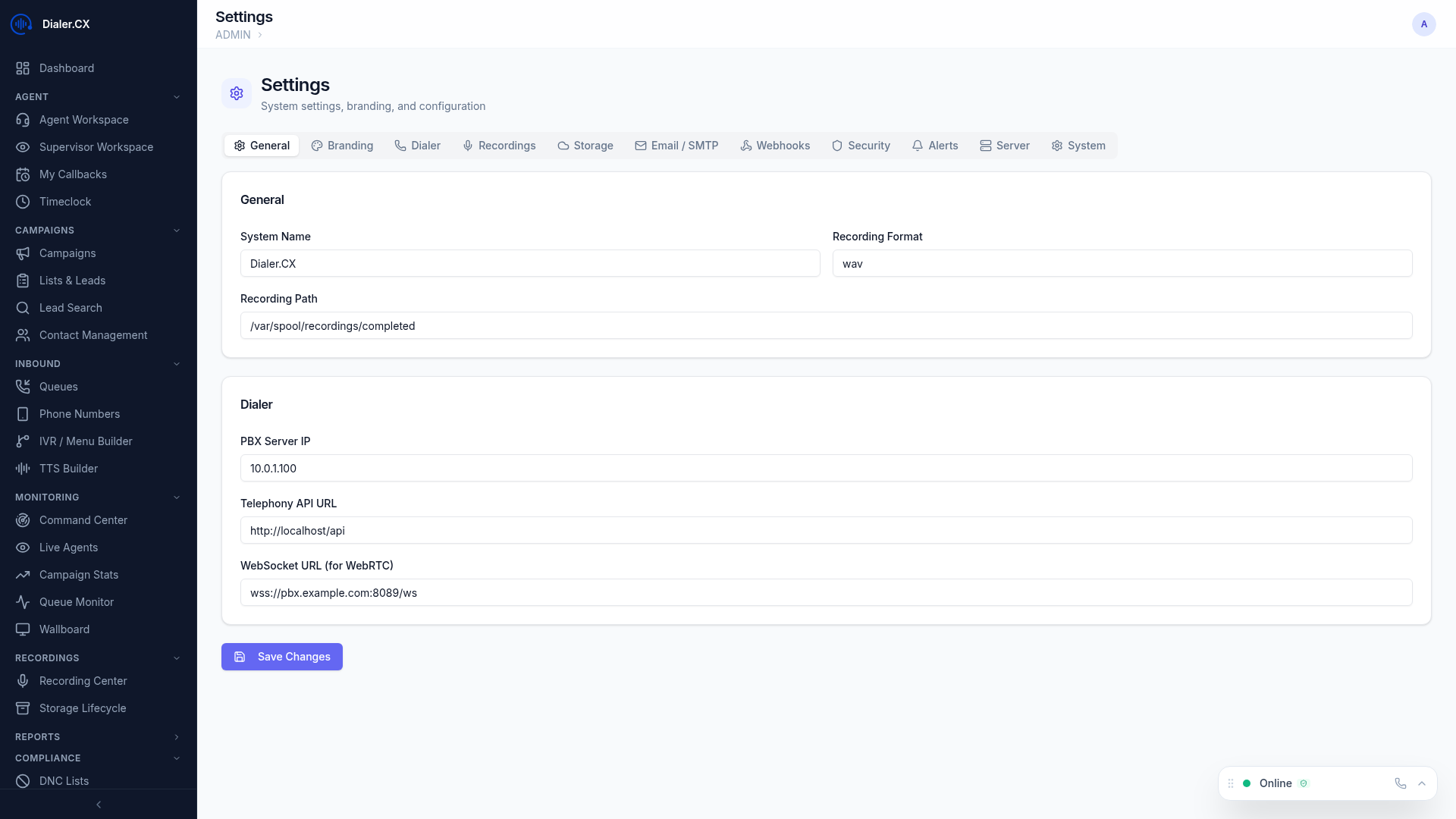
Section titled “Configuration”Navigate to Admin > Settings > Webhooks to manage webhook endpoints:
- Click Add Webhook
- Enter the destination URL (must be an HTTPS endpoint for production use)
- Select which events to subscribe to (you can subscribe to one or all events)
- Enable or disable the webhook with a toggle
- Click Save
You can create multiple webhook endpoints, each subscribing to different events. For example, one endpoint for your CRM (call events only) and another for your monitoring system (alert events only).
Payload Format
Section titled “Payload Format”Webhooks deliver a JSON payload via HTTP POST with the Content-Type: application/json header:
{ "event": "call.ended", "timestamp": "2026-03-07T15:30:00Z", "data": { "call_id": "12345", "agent": "jsmith", "phone_number": "5551234567", "duration": 180, "disposition": "SALE", "campaign": "Q1-Sales" }}The data object varies by event type. Call events include call metadata, agent events include agent information, and lead events include the changed fields.
Delivery and Reliability
Section titled “Delivery and Reliability”Webhook delivery is designed to be reliable even when your endpoint has temporary issues:
- Retries — failed deliveries are retried 3 times with increasing delays (5s, 30s, 120s)
- Delivery log — all webhook attempts are recorded with HTTP status codes and response bodies
- Signature verification — every request includes an
X-Webhook-Signatureheader containing an HMAC-SHA256 signature for payload authentication - Timeout — 10-second timeout per delivery attempt to prevent slow endpoints from blocking the queue
Verifying Signatures
Section titled “Verifying Signatures”Here is an example of signature verification in Node.js:
const crypto = require('crypto');
function verifyWebhook(body, signature, secret) {  const computed = crypto    .createHmac('sha256', secret)    .update(body)    .digest('hex');  return crypto.timingSafeEqual(    Buffer.from(computed),    Buffer.from(signature)  );}
Use Cases
Section titled “Use Cases”| Use Case | Integration | Events |
|---|---|---|
| CRM Sync | Push call data to Salesforce, HubSpot, Zoho, etc. | call.ended, lead.updated |
| Notifications | Send Slack or Teams messages on events | agent.login, agent.logout, alert.triggered |
| Analytics | Feed data to your BI platform (Looker, Tableau, etc.) | call.ended, call.started |
| Automation | Trigger workflows in Zapier or Make | Any event |
| Monitoring | Alert PagerDuty or Opsgenie on operational issues | alert.triggered |
| Compliance | Log all call activity to an external audit system | call.started, call.ended, recording.ready |
Troubleshooting
Section titled “Troubleshooting”Check webhook delivery history at Admin > Settings > Webhooks by clicking on any webhook endpoint to view its delivery log.
| Issue | Cause | Solution |
|---|---|---|
| No deliveries appearing | Webhook disabled or no matching events | Verify the webhook is enabled and subscribed to the right events |
| All deliveries failing (HTTP 4xx) | Endpoint rejecting requests | Check endpoint URL, authentication requirements, and firewall rules |
| Intermittent failures (HTTP 5xx) | Destination server errors | Review your endpoint’s error logs; the retry mechanism handles transient failures |
| Signature mismatch | Wrong secret or body modification | Ensure you are verifying against the raw request body, not a parsed/re-serialized version |