

Command Center
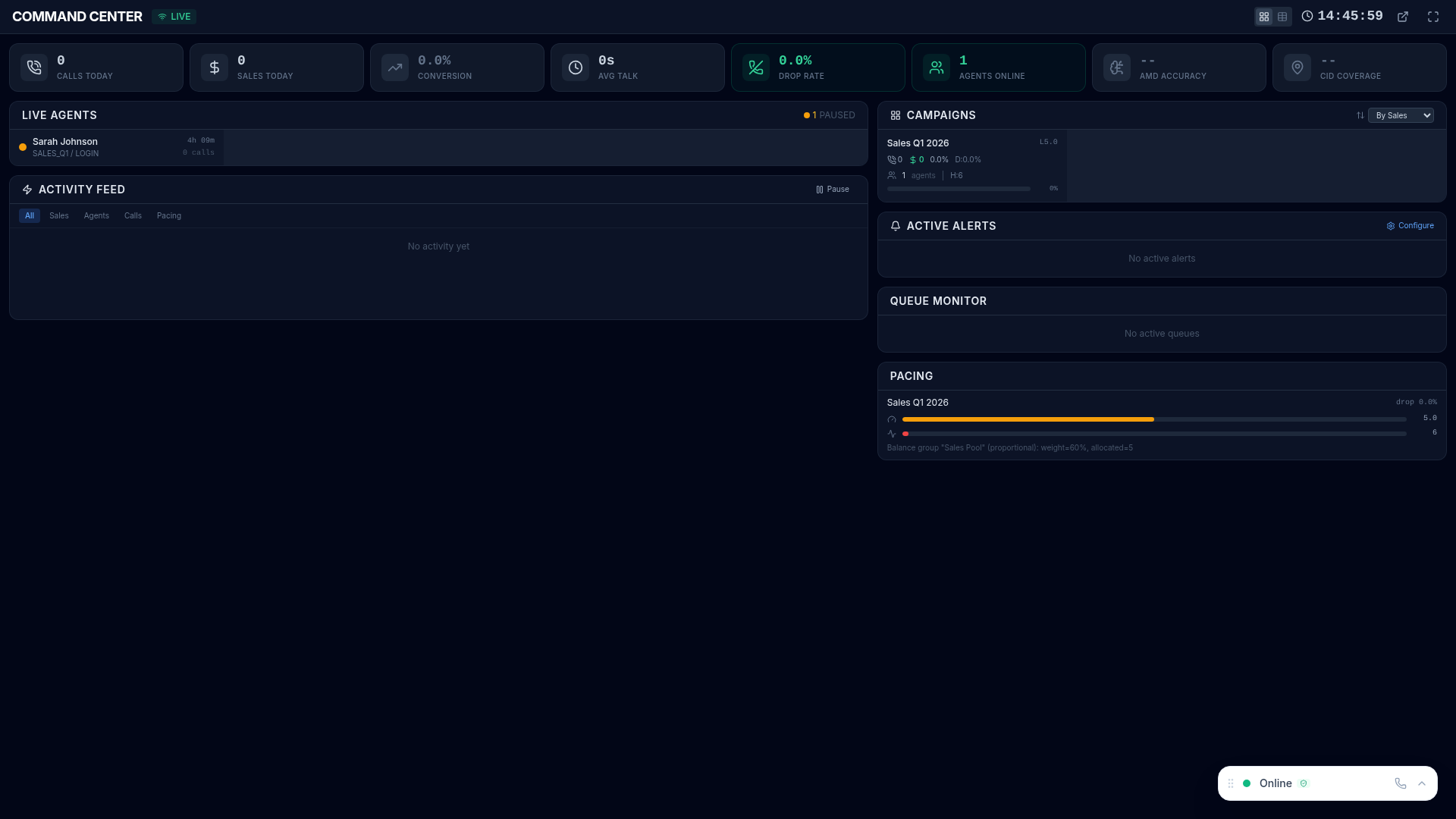
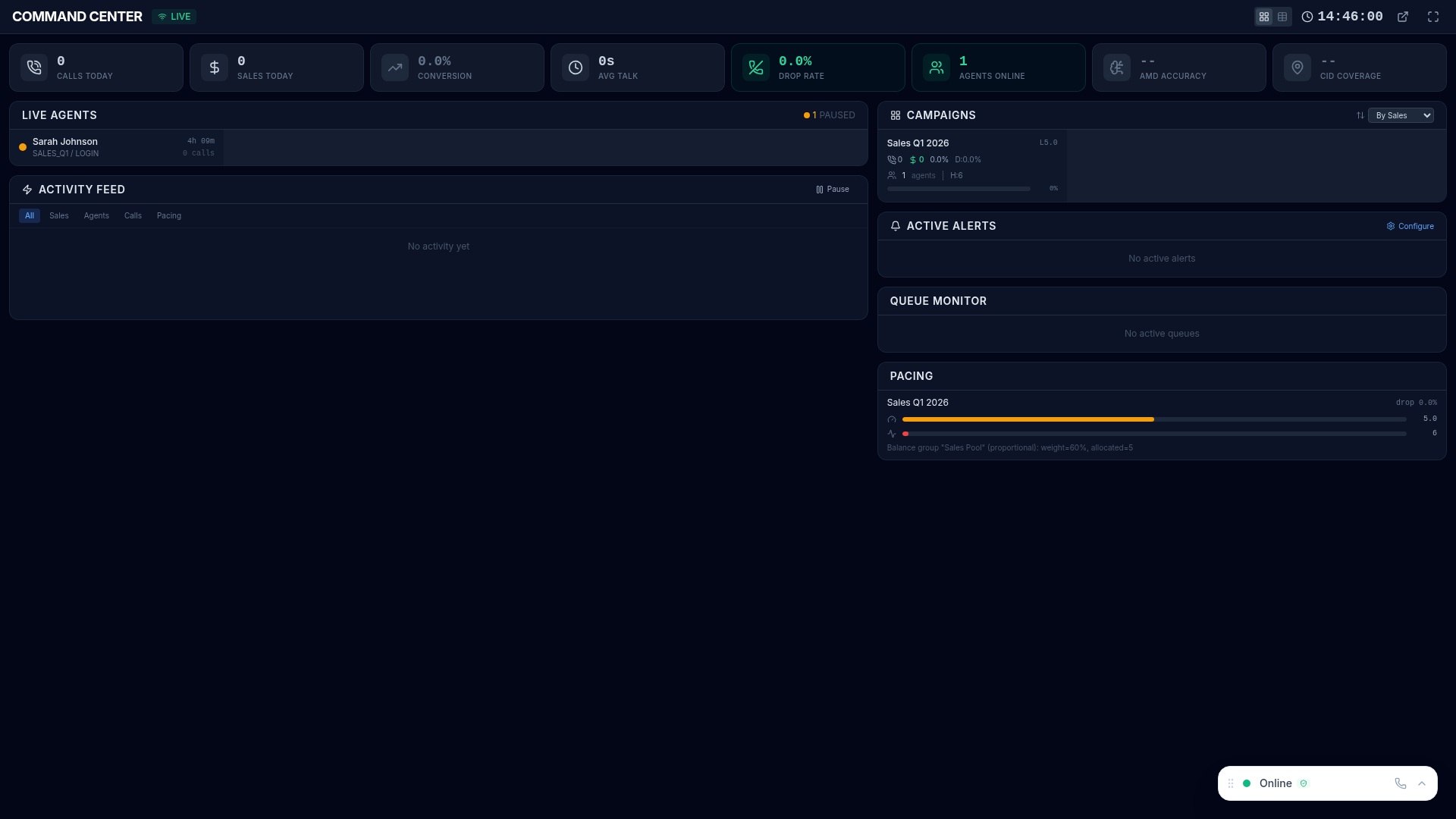
The Command Center is a real-time operations dashboard designed for operations managers and NOC-style displays. It provides a single-pane-of-glass view across all campaigns and agents, with live-streaming data that updates automatically without any manual refresh.
Features
Section titled “Features”Live Streaming Data
Section titled “Live Streaming Data”All metrics update automatically via Server-Sent Events (SSE). The dashboard is designed to run unattended on a wall-mounted display for hours or days without interaction.
Multi-Campaign Overview
Section titled “Multi-Campaign Overview”See all active campaigns simultaneously with key metrics for each:
- Active calls and agents per campaign
- Calls per hour and conversion rates
- Queue depth and wait times
- Drop rate and service levels
Agent Grid
Section titled “Agent Grid”Visual grid showing every agent’s current status with color coding:
- Green — ready and waiting for a call
- Blue — currently on a call
- Yellow — paused with pause code
- Red — dead call or issue requiring attention
- Gray — logged out
KPI Cards
Section titled “KPI Cards”Key metrics displayed prominently at a glance:
| KPI | What It Shows |
|---|---|
| Total Active Calls | Calls currently in progress across all campaigns |
| Agents Ready | Agents waiting for their next call |
| Agents In Call | Agents currently speaking with a customer |
| Agents Paused | Agents on break or in wrap-up |
| Calls Per Hour | Current throughput rate |
| Queue Depth | Inbound calls waiting to be answered |
| Drop Rate | Percentage of calls dropped or abandoned |
Alert Indicators
Section titled “Alert Indicators”Visual warnings appear on the dashboard when operational thresholds are breached. These integrate with the Alerts system — any triggered alert is immediately visible on the Command Center.
Navigation
Section titled “Navigation”The Command Center is accessible from the sidebar under the Real-Time section.

Best For
Section titled “Best For”| Audience | Why |
|---|---|
| Operations managers | Single view across all campaigns and agents |
| NOC / operations rooms | Designed for large-screen, always-on display |
| Shift supervisors | Quickly spot issues across multiple campaigns |
| Executive visibility | Real-time performance without logging into reports |