

Wallboard
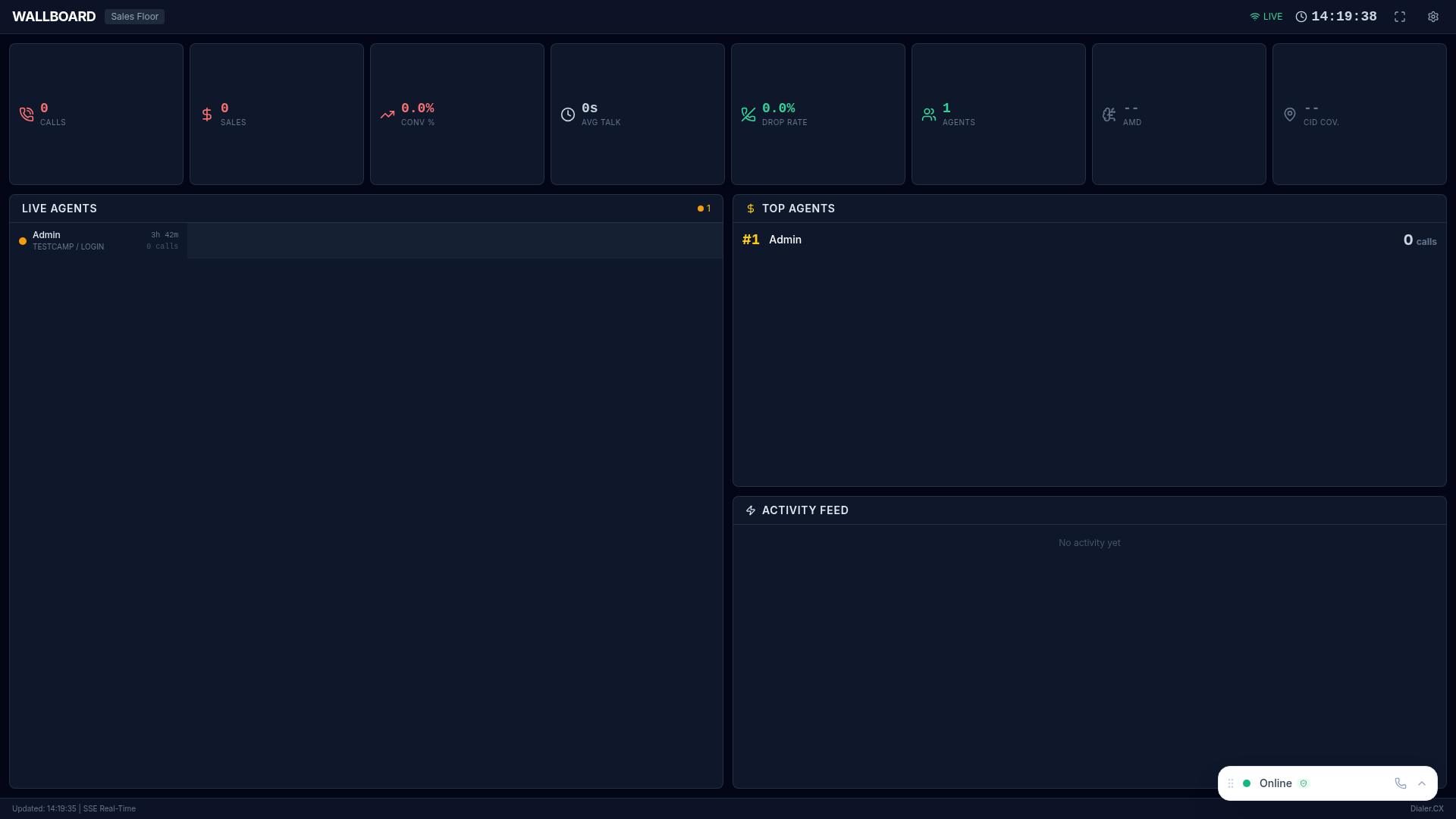
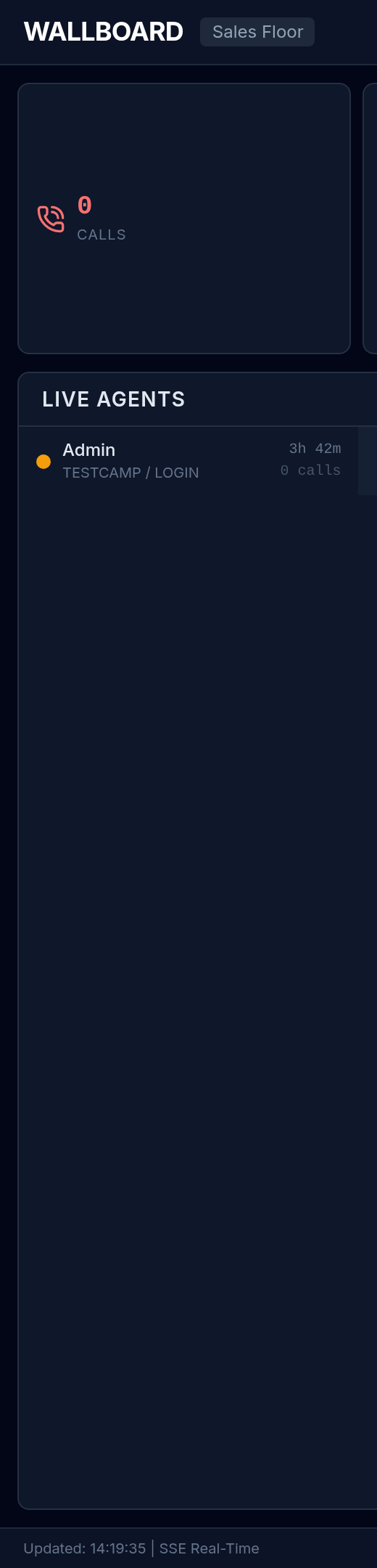
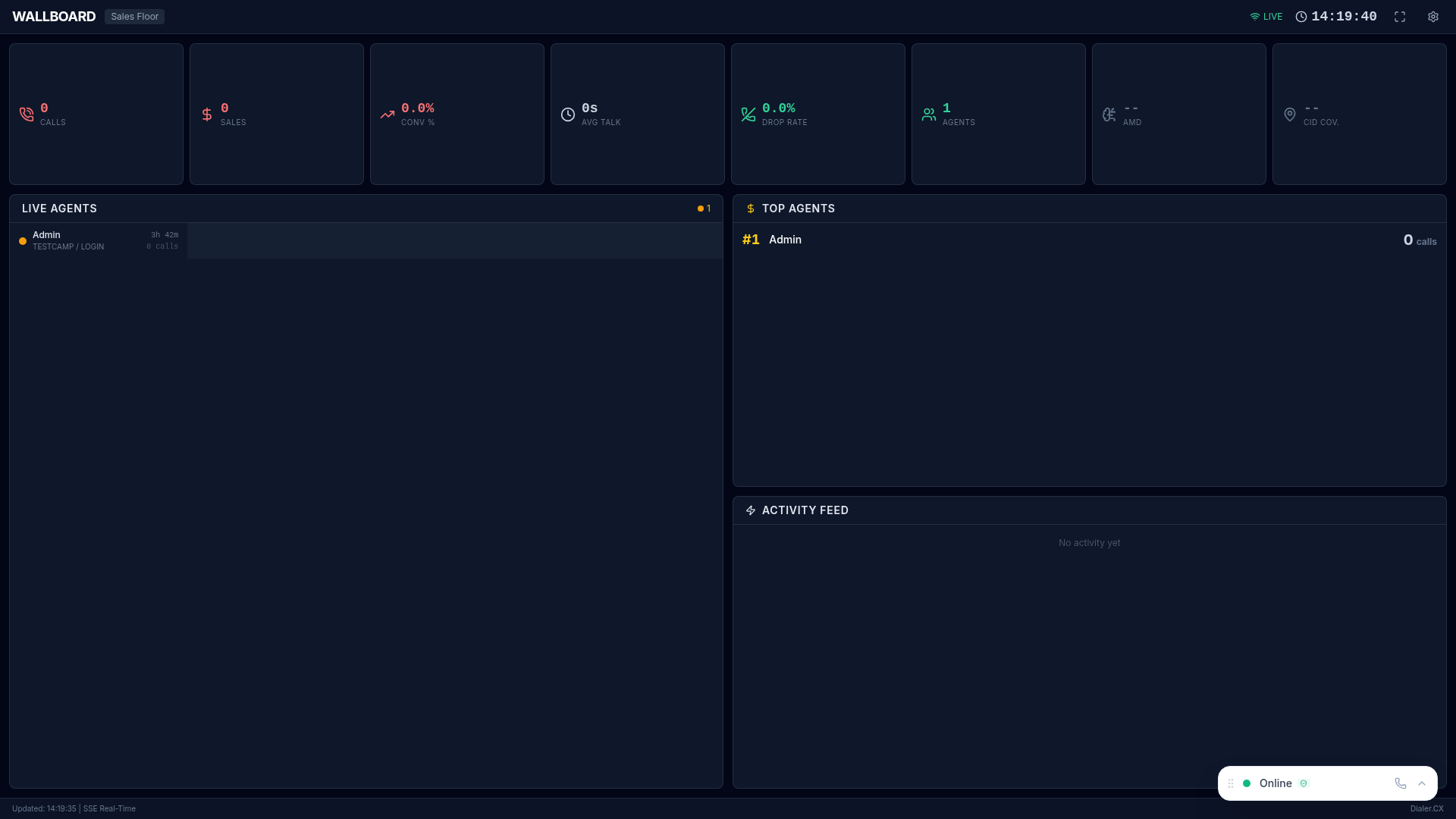
The Wallboard is a customizable display designed for large monitors on the call center floor, keeping agents and supervisors informed of real-time performance. Unlike the Command Center (built for operations managers), the Wallboard is designed to motivate agents and surface the metrics that matter most to the floor.
Widget Types
Section titled “Widget Types”Drag and drop from a library of visualization widgets to build your ideal display:
| Widget | What It Shows |
|---|---|
| Agent Status Grid | Color-coded grid of all agents with current status |
| Campaign Performance | Bar charts of campaign metrics (calls, conversions, talk time) |
| Queue Depth Gauge | Visual gauge of calls waiting in inbound queues |
| Call Volume Chart | Line chart of calls over time with trend indicators |
| Leaderboard | Top agents ranked by calls, sales, or talk time |
| KPI Scorecard | Single metric with trend indicator (up/down arrow) |
| Service Level | Inbound service level percentage with target threshold |
Layout Presets
Section titled “Layout Presets”Save and switch between layout configurations for different audiences and shifts:
| Preset | Best For |
|---|---|
| Sales Floor | Leaderboards, conversion rates, top performers — drives competition |
| Inbound Support | Queue depths, wait times, service levels — keeps SLAs visible |
| Manager Overview | Campaign summaries, agent utilization, KPIs — high-level status |
| Custom | Build your own layout with any combination of widgets |
Configuration
Section titled “Configuration”- Navigate to Wallboard from the sidebar
- Click Edit Layout to enter configuration mode
- Drag widgets from the widget library onto the canvas
- Resize and position widgets as needed
- Configure each widget (select campaign, metric, time range)
- Save as a named preset
- Click Full Screen for TV display mode
Real-Time Updates
Section titled “Real-Time Updates”All widgets update automatically with live-streaming data via Server-Sent Events (SSE). No manual refresh is required — the wallboard is designed to run continuously on a wall-mounted display.
