

Executive Dashboard
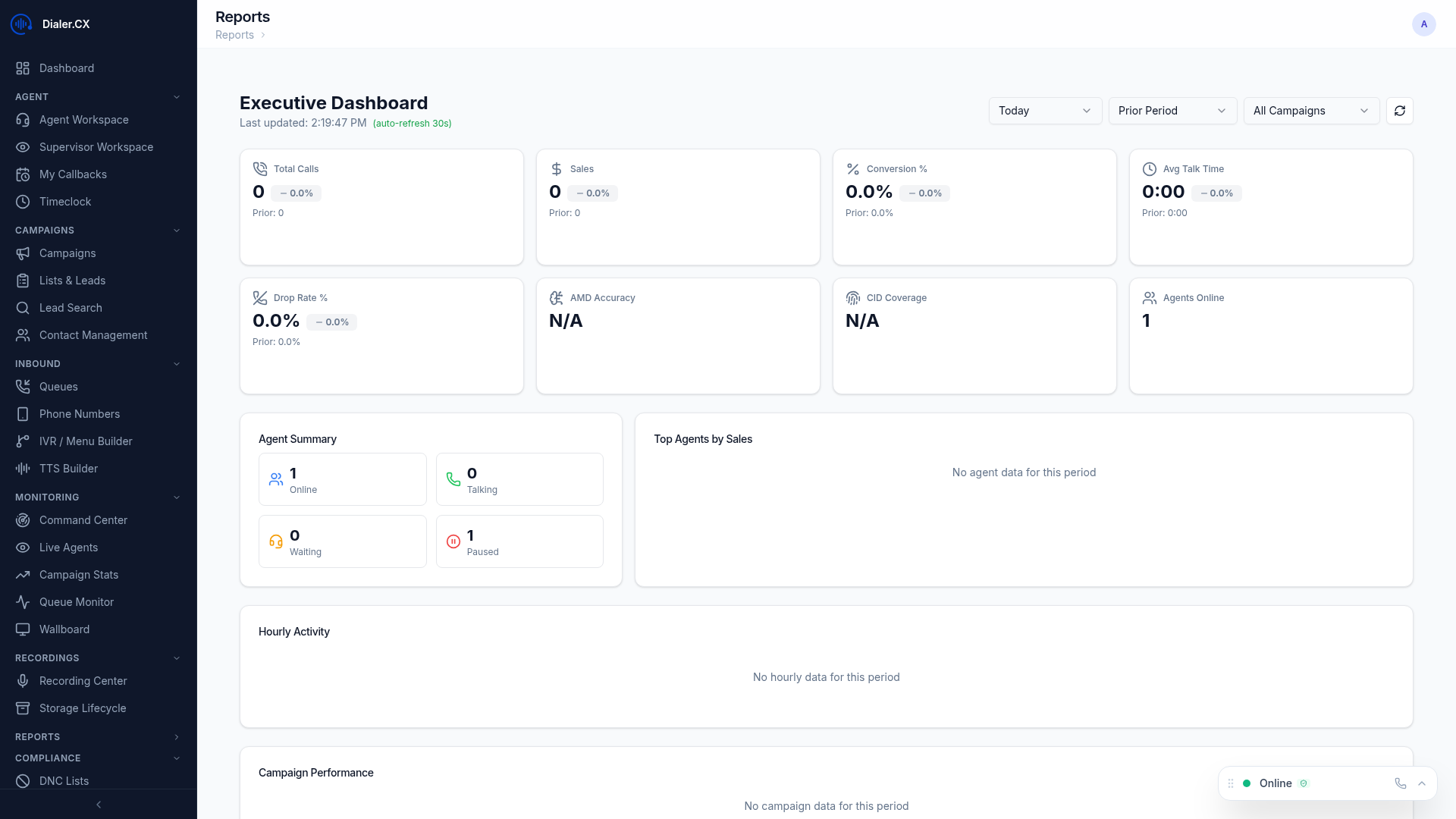
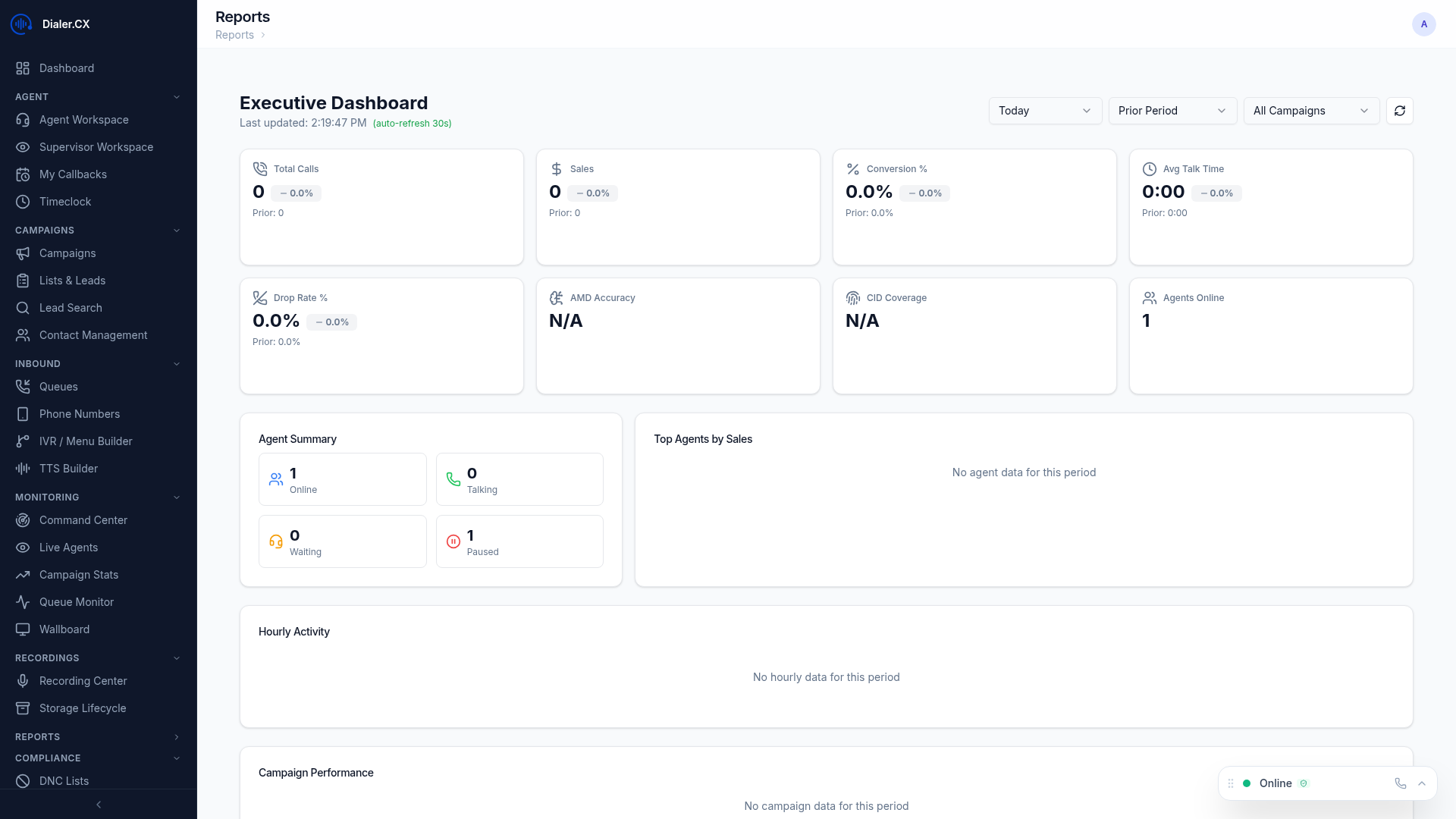
The Executive Dashboard provides management-level visibility into call center performance. It consolidates the most important metrics from across the platform into a single view, designed for daily standups, executive reviews, and operational decision-making.
KPI Scorecards
Section titled “KPI Scorecards”At-a-glance metrics with trend indicators showing whether performance is improving or declining:
- Total Calls — volume with daily/weekly trend arrows and percentage change
- Contact Rate — percentage of calls reaching a human, with comparison to prior period
- Conversion Rate — sales or appointments per contact, the primary revenue indicator
- Revenue — total revenue when financial tracking is configured (see ROI Tracking)
- Agent Utilization — percentage of time agents spend on calls versus idle or paused
Each scorecard displays a sparkline showing the metric over the selected time range, making it easy to spot sudden changes.
Trend Charts
Section titled “Trend Charts”Interactive charts showing performance over time with multiple viewing options:
- Daily, weekly, and monthly views — toggle between granularity levels
- Compare current period to previous period — overlay lines show improvement or regression
- Spot trends and seasonal patterns — visual patterns are easier to detect than raw numbers
Charts support hover tooltips, click-to-drill-down, and PNG export for including in presentations.
Agent Leaderboard
Section titled “Agent Leaderboard”Top performers ranked by configurable metrics:
- Most calls, highest conversion rate, most talk time — switch ranking criteria with a dropdown
- Customizable ranking criteria to match your business priorities
- Motivational display suitable for management meetings and wallboard display
Campaign Comparison
Section titled “Campaign Comparison”Side-by-side campaign performance analysis:
- Compare any two or more campaigns on the same chart
- Highlight performance gaps between campaigns running similar lists
- Identify best and worst performers to guide resource allocation decisions
Goal Tracking
Section titled “Goal Tracking”Track progress against defined targets that you configure at Reports > ROI:
- Set KPI goals per metric per campaign (e.g., 500 calls/day, 8% conversion rate)
- Visual progress bars showing current vs. target with percentage completion
- Color coding: green (on track), yellow (at risk), red (behind)
Goal targets can be updated at any time without affecting historical tracking.
AI Insights
Section titled “AI Insights”AI-generated observations about your operation’s performance, powered by your configured LLM provider:
- Automatic trend detection — the system identifies significant changes before you notice them
- Anomaly identification — flags unusual patterns such as sudden drops in contact rate or spikes in pause time
- Suggested actions based on data patterns — actionable recommendations like “Campaign X conversion rate dropped 15% this week; consider reviewing agent scripts”
Access Requirements
Section titled “Access Requirements”The Executive Dashboard requires Supervisor role (level 5) or above. Managers and Admins see all campaigns, while Supervisors see only campaigns assigned to their user group.