

ROI Tracking
ROI Tracking helps you understand the financial performance of your calling operations. By configuring revenue values and cost parameters, you transform raw call metrics into dollar figures that drive business decisions.
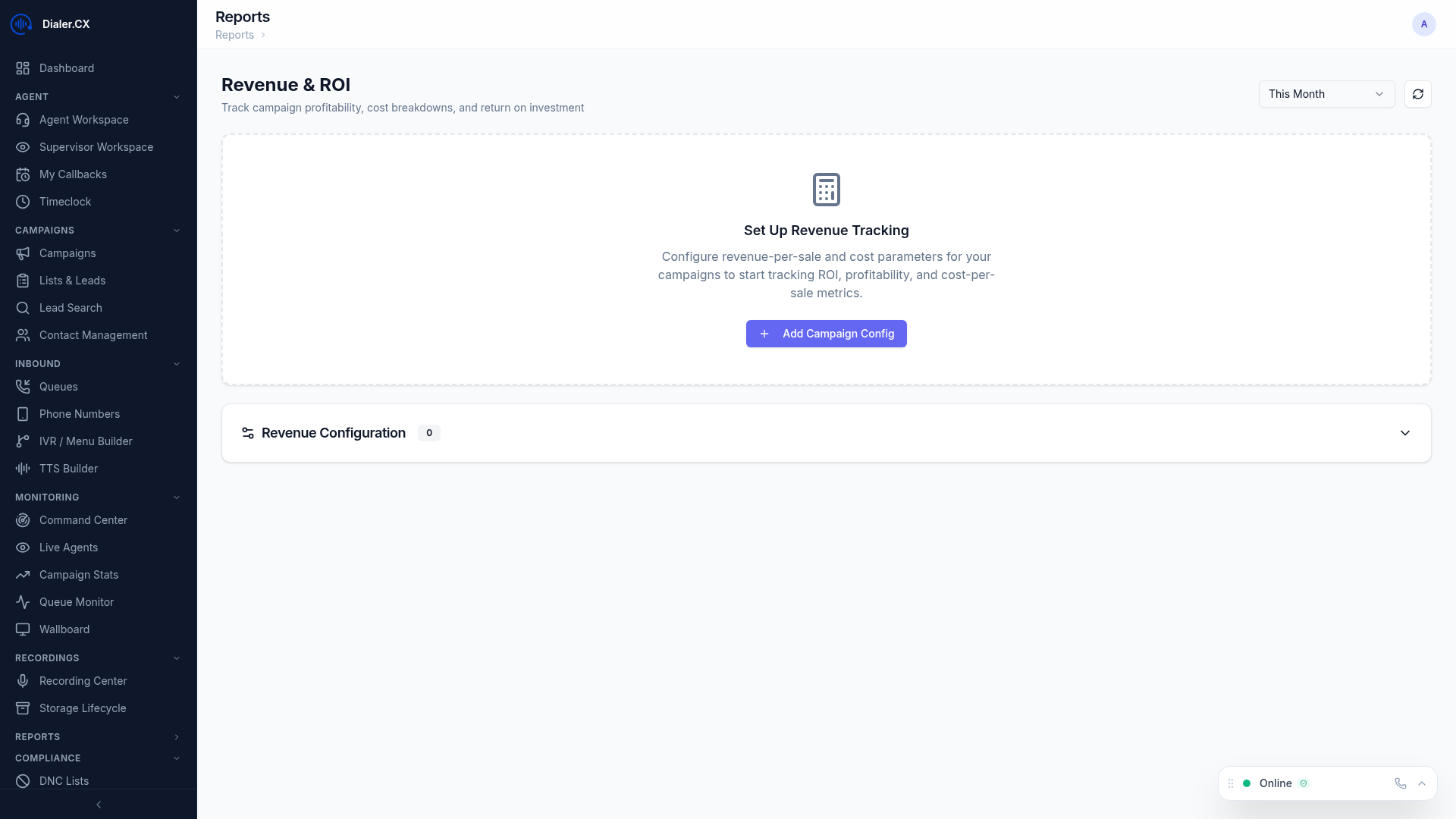
Revenue Configuration
Section titled “Revenue Configuration”Set up financial parameters per campaign at Reports > ROI:
| Setting | Description |
|---|---|
| Revenue Per Sale | Dollar value of a successful conversion |
| Cost Per Call | Average cost to place a call (carrier charges) |
| Cost Per Agent Hour | Hourly cost of agent labor (salary + overhead) |
| Commission Structure | Agent commission rules (if applicable) |
Revenue configuration can be updated at any time. Changes apply to new calculations without affecting historical data.
ROI Metrics
Section titled “ROI Metrics”Once configured, the platform automatically calculates:
- Total Revenue — sales count multiplied by revenue per sale
- Total Cost — call costs plus agent labor costs for the period
- Net ROI — revenue minus costs (your profit or loss)
- ROI Percentage — return as a percentage of investment, the key efficiency metric
- Revenue Per Agent — individual agent profitability for performance management
- Cost Per Acquisition — total cost divided by conversions, useful for comparing to other marketing channels
Reports Available
Section titled “Reports Available”Campaign ROI Comparison
Section titled “Campaign ROI Comparison”Compare profitability across campaigns on a single chart:
- Which campaigns generate the best return on investment?
- Where should you allocate more agents and dial time?
- Are any campaigns operating at a loss that should be paused or restructured?
Revenue Trends
Section titled “Revenue Trends”Track financial performance over time with daily, weekly, and monthly revenue charts:
- Identify profitable time periods and seasonal patterns
- Correlate revenue changes with operational changes (new lists, staffing changes, script updates)
- Project future revenue based on current trends
Agent Profitability
Section titled “Agent Profitability”Rank agents by financial contribution to the operation:
- Revenue generated per agent for incentive and bonus calculations
- Cost efficiency per agent (revenue vs. labor cost)
- Commission calculations for pay-for-performance structures
Integrating with Goal Tracking
Section titled “Integrating with Goal Tracking”ROI metrics feed directly into the Executive Dashboard goal tracking system. Set revenue targets per campaign and track progress in real time:
- Navigate to Reports > ROI
- Select a campaign
- Set monthly revenue and ROI percentage targets
- Progress appears on the Executive Dashboard with color-coded indicators