

Scheduled Reports
Schedule any report to be automatically generated and emailed to recipients on a recurring basis. Scheduled reports eliminate the need to manually run and distribute reports, ensuring stakeholders always have fresh data without logging into the platform.
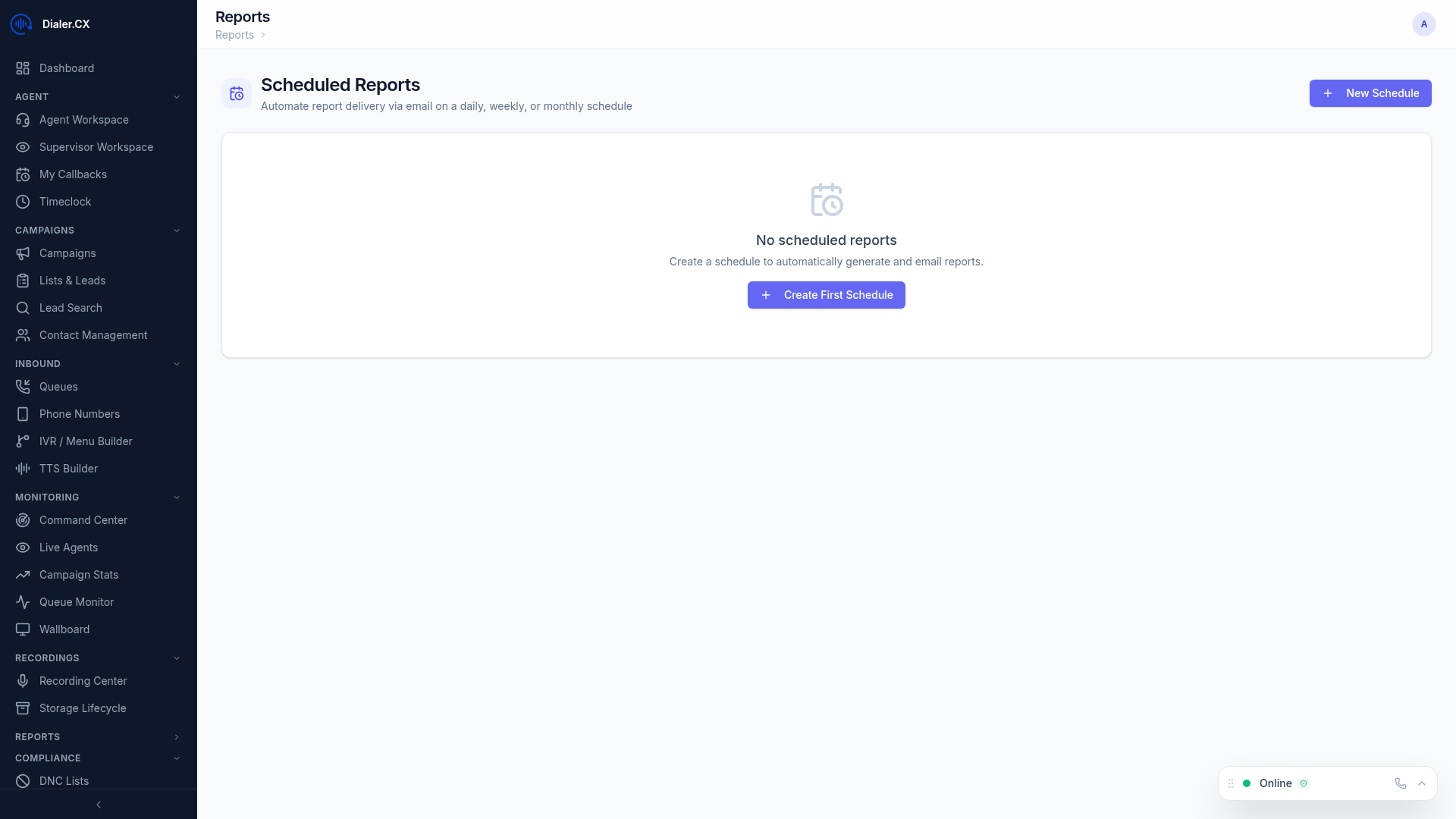
Creating a Schedule
Section titled “Creating a Schedule”- Navigate to Reports > Scheduled
- Click New Schedule
- Configure the schedule parameters:
| Setting | Description |
|---|---|
| Report Type | Which report to generate (any of the 14 standard reports or saved custom reports) |
| Filters | Campaign, agent, date range parameters baked into the schedule |
| Frequency | Daily, weekly, monthly, or custom |
| Recipients | Email addresses to receive the report (comma-separated for multiple recipients) |
| Format | PDF attachment, CSV attachment, or inline HTML |
| Time | What time of day to send (in the server’s timezone) |
Frequency Options
Section titled “Frequency Options”| Frequency | Description |
|---|---|
| Daily | Sent every day with the previous day’s data. Best for operational metrics that need daily attention. |
| Weekly | Sent weekly on a day you choose (e.g., every Monday) with the past week’s data. Good for management summaries. |
| Monthly | Sent on the 1st of each month with the previous month’s data. Ideal for executive reviews and billing reconciliation. |
| Custom | Define your own schedule for non-standard cadences. |
Managing Schedules
Section titled “Managing Schedules”- Enable/Disable — toggle schedules on or off without deleting them (useful for seasonal campaigns)
- Edit — change recipients, filters, or frequency at any time
- Delete — permanently remove a schedule
- View History — see past deliveries and their status (delivered, failed, pending retry)
Email Format
Section titled “Email Format”Reports are delivered as professionally formatted emails with:
- Your platform logo and name (pulled from branding settings)
- Report title and date range clearly displayed in the header
- Data in your chosen format (PDF, CSV, or HTML table embedded in the email body)
- A direct link back to the platform for interactive viewing and drill-down
Prerequisites
Section titled “Prerequisites”Scheduled reports require a working email configuration:
- Configure SMTP settings at Admin > Settings > Email (see Email Integration)
- Verify delivery by sending a test email before creating schedules
- Ensure your SMTP provider allows the volume of emails your schedules will generate
Common Schedules
Section titled “Common Schedules”Here are schedules that most operations teams set up:
| Schedule | Report | Frequency | Recipients |
|---|---|---|---|
| Morning Brief | Campaign Summary | Daily | Supervisors, Managers |
| Weekly Scorecard | Agent Performance | Weekly (Monday) | Team Leads |
| Monthly Executive | Executive Dashboard | Monthly | Directors, VPs |
| Compliance Audit | CDR Report | Weekly (Friday) | Compliance Team |
| Revenue Review | ROI Report | Weekly (Monday) | Finance, Operations |