

Standard Reports
Dialer.CX ships with 14 pre-built report types that cover agent performance, campaign health, call detail records, inbound queues, and more. Every report is accessible from the Reports section in the sidebar and requires no configuration to start using.
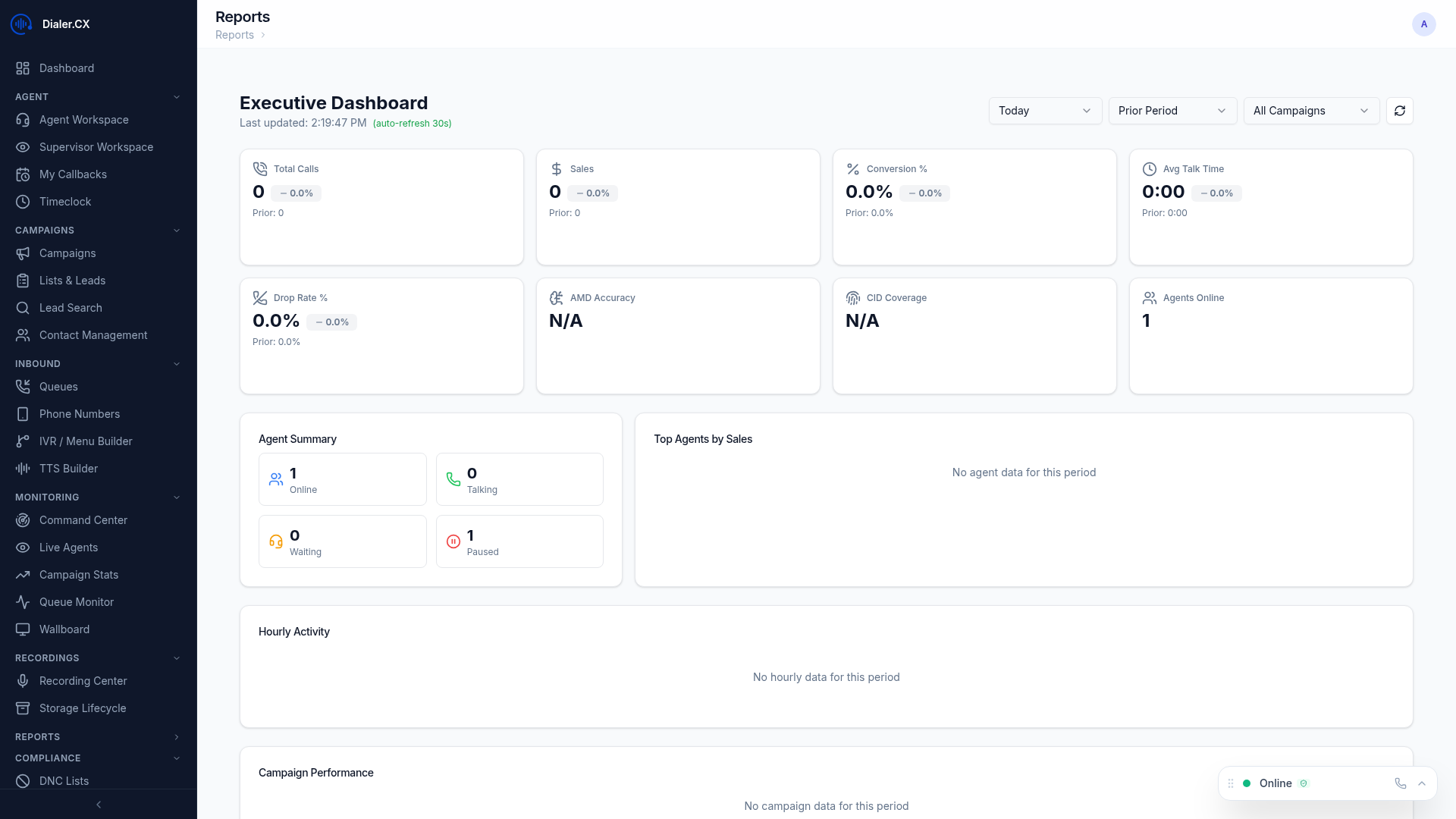
Available Reports
Section titled “Available Reports”Agent Performance
Section titled “Agent Performance”Per-agent metrics including calls handled, talk time, pause time, dispo time, and conversion rates. Compare agents within a campaign or across the entire operation. Use this report during coaching sessions to identify strengths and areas for improvement.
Campaign Summary
Section titled “Campaign Summary”Campaign-level KPIs: total dials, contacts made, sales, penetration rate, and agent utilization. See how each campaign is performing at a glance. This is typically the first report managers check each morning.
Call Detail Records (CDR)
Section titled “Call Detail Records (CDR)”Individual call records with complete metadata — date, time, agent, phone number, duration, disposition, and recording link. CDRs are the foundation for dispute resolution, compliance audits, and detailed troubleshooting.
Inbound Summary
Section titled “Inbound Summary”Queue performance: calls offered, calls answered, abandoned calls, service level percentage, and average wait time. Critical for measuring inbound service quality against SLA targets.
Disposition Report
Section titled “Disposition Report”Status code distribution across campaigns and agents. See which outcomes are most common and track conversion rates. Disposition reports reveal whether agents are accurately coding calls and where training gaps exist.
DID Report
Section titled “DID Report”Inbound number usage and routing statistics. Track call volume per DID number. Useful for evaluating marketing channel effectiveness when different DIDs are assigned to different campaigns or advertisements.
Carrier Report
Section titled “Carrier Report”Trunk utilization, answer rates, and average call duration by carrier. Compare carrier quality and cost-effectiveness to make informed decisions about trunk allocation.
Queue Report
Section titled “Queue Report”Inbound queue performance metrics, wait times, and agent availability. Identify bottlenecks where callers wait too long and adjust staffing accordingly.
Recording Report
Section titled “Recording Report”Recording inventory, storage usage, transcription status, and AI analysis completion. Monitor how much storage is consumed and whether automated processing is keeping pace with call volume.
Callback Report
Section titled “Callback Report”Scheduled callback tracking — pending, completed, and missed callbacks. Ensure agents are honoring callback commitments, which directly impacts customer satisfaction and conversion rates.
Pause Code Report
Section titled “Pause Code Report”Agent break time analysis broken down by pause code. Identify how agents spend non-call time. This report helps supervisors enforce break policies and spot excessive or unauthorized pause usage.
Hourly Report
Section titled “Hourly Report”Time-of-day performance analysis — see which hours produce the best results. Use this data to optimize staffing schedules and campaign dial times for maximum contact rates.
List Report
Section titled “List Report”Lead list penetration rates and performance metrics. Track how effectively lists are being worked. Identify exhausted lists that need refreshing and high-potential lists that deserve more agent attention.
Closer Report
Section titled “Closer Report”Inbound closer agent performance — calls received, handle time, and conversion metrics. Essential for blended operations where outbound agents transfer qualified leads to specialized closers.
Common Controls
Section titled “Common Controls”All 14 reports share a consistent set of controls:
- Date range picker — select any time period from today to custom date ranges
- Filters — narrow by campaign, agent, list, or disposition
- Interactive charts — click chart elements to drill down into underlying data
- CSV export — download data for external analysis in Excel or BI tools
- Sort and paginate — manage large result sets with column sorting and page controls