

Reports Overview
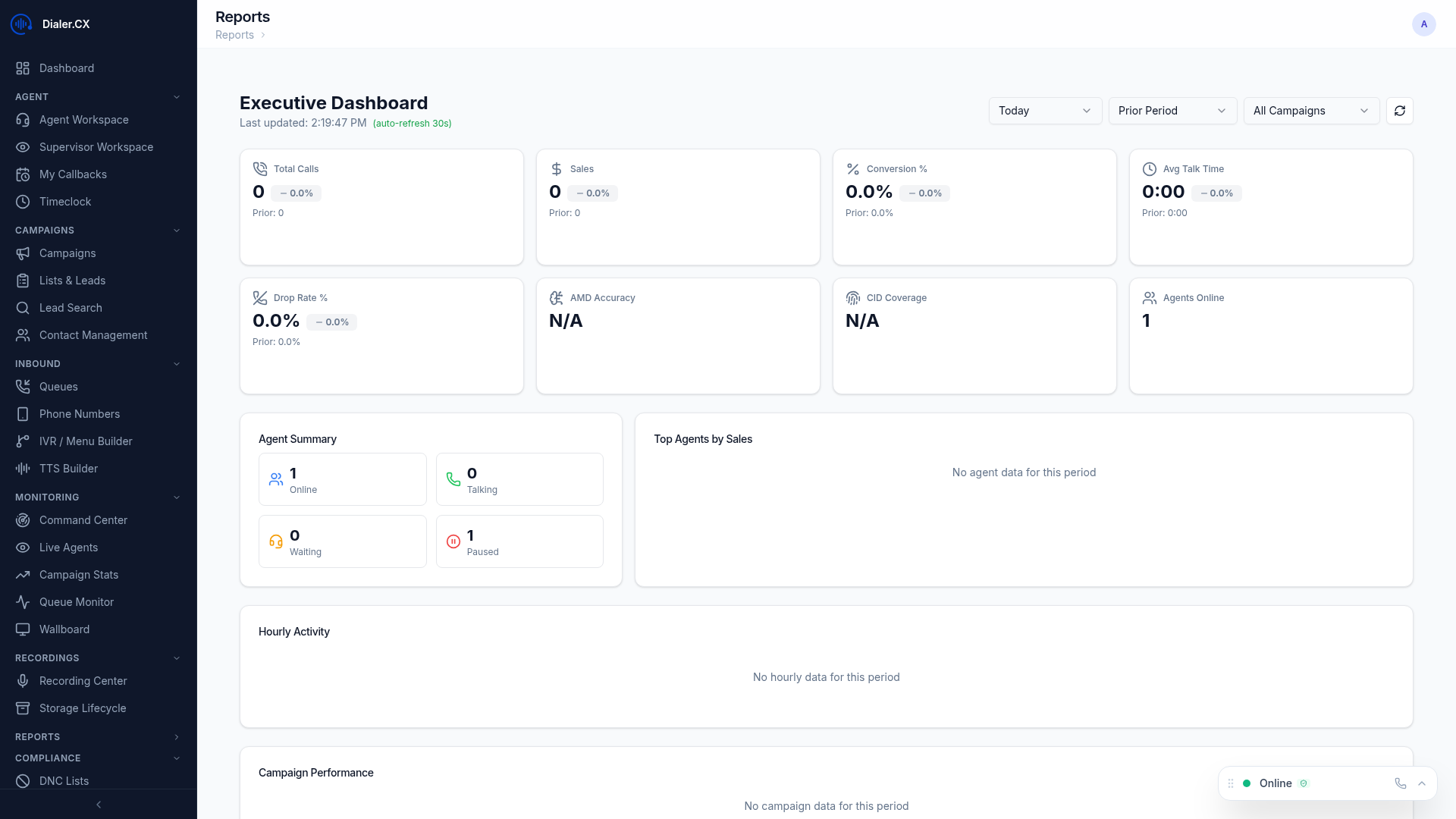
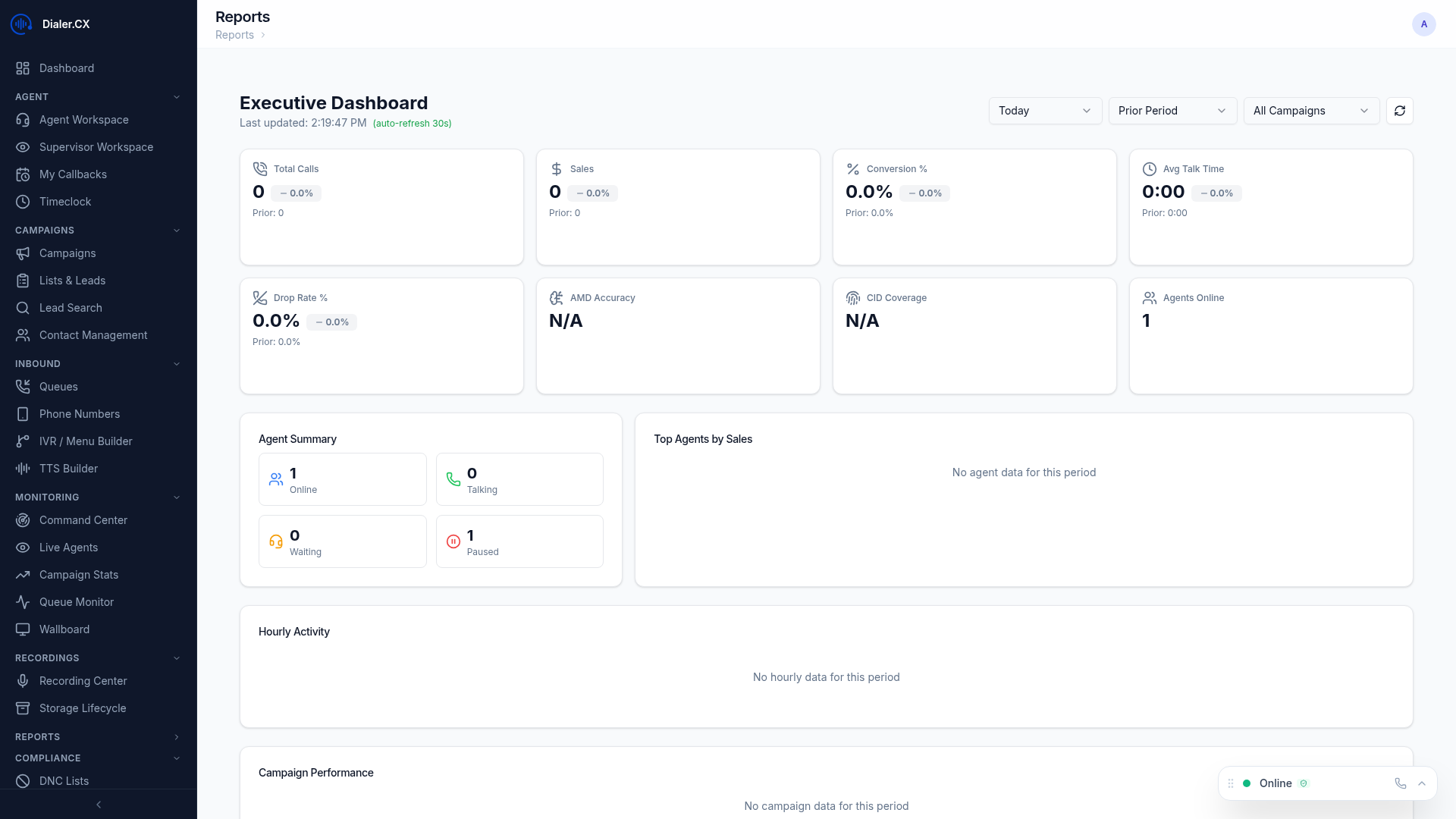
Dialer.CX includes a full analytics suite with 14 standard report types plus advanced analytics tools. The reports dashboard gives you a high-level view of key performance indicators with interactive charts and drill-down capabilities. For detailed coverage, see the Reports & Analytics section.
Available Reports
Section titled “Available Reports”
| Report | What It Shows |
|---|---|
| Agent Performance | Per-agent calls, talk time, pause time, conversions |
| Campaign Summary | Campaign-level KPIs and penetration rates |
| Call Detail Records | Individual call records with full metadata |
| Inbound Summary | Queue performance — offered, answered, abandoned |
| Disposition | Status code distribution by campaign and agent |
| DID Report | Inbound number usage and routing stats |
| Carrier Report | Trunk utilization and performance |
| Queue Report | Queue performance and wait times |
| Recording Report | Recording inventory and transcription status |
| Callback Report | Callback scheduling and completion rates |
| Pause Code Report | Break time analysis by reason code |
| Hourly Report | Time-of-day performance analysis |
| List Report | Lead list penetration and performance |
| Closer Report | Inbound agent performance metrics |
Common Features
Section titled “Common Features”All reports support:
- Date range selection — view any time period
- Filters — narrow by campaign, agent, list, or other criteria
- Interactive charts — visual data with tooltips and drill-down
- CSV export — download raw data for external analysis
- Sorting and pagination — manage large datasets
Advanced Analytics
Section titled “Advanced Analytics”Beyond standard reports, the analytics platform offers additional tools:
- Executive Dashboard — KPI scorecards with goal tracking and trend analysis
- Comparative Analysis — side-by-side campaign and agent comparisons
- Custom Report Builder — build your own reports with drag-and-drop field selection
- ROI Tracking — revenue and cost analysis per campaign with conversion attribution
- Scheduled Reports — automated email delivery on daily, weekly, or monthly schedules